
This article covers how to locate and view your events.
Select Event Listing from the toolbar.
Your event listing will include both Procurement events (RFPs) and Confirmed events (contracted events).
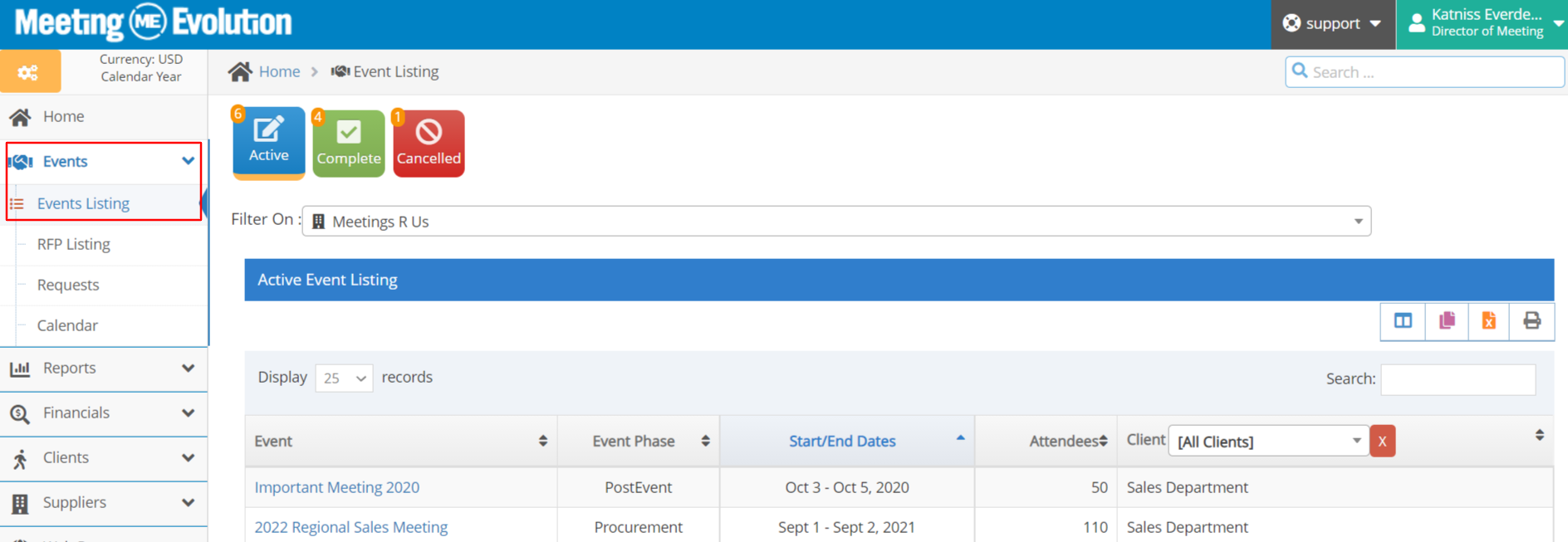
Use the Search box to search for an event by name.
Select the Complete or Cancelled buttons for a list of those events.
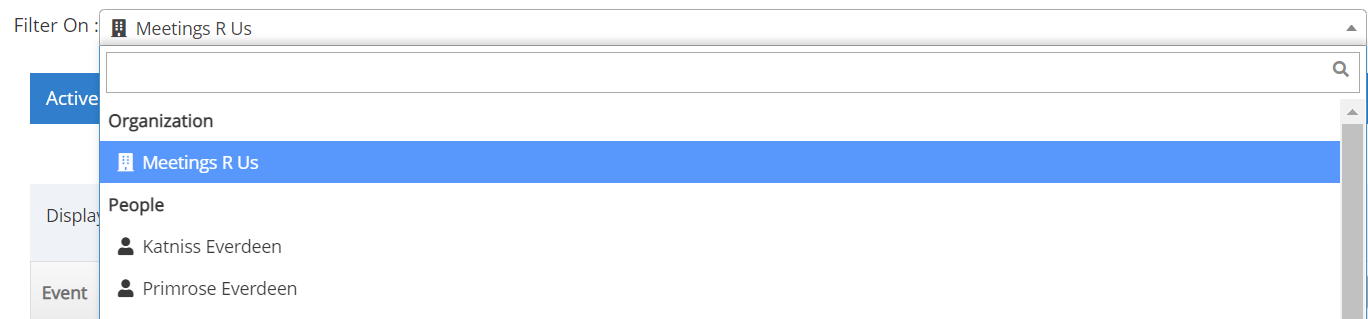
Company-wide or Planner specific listing
If you have access to viewing all of your company's events, a drop-down list will be shown at the top of the report. Select either the company name for all events, or select a planner to see their events.
If you do not have access to viewing all of your company's events, your view will be limited to your events.
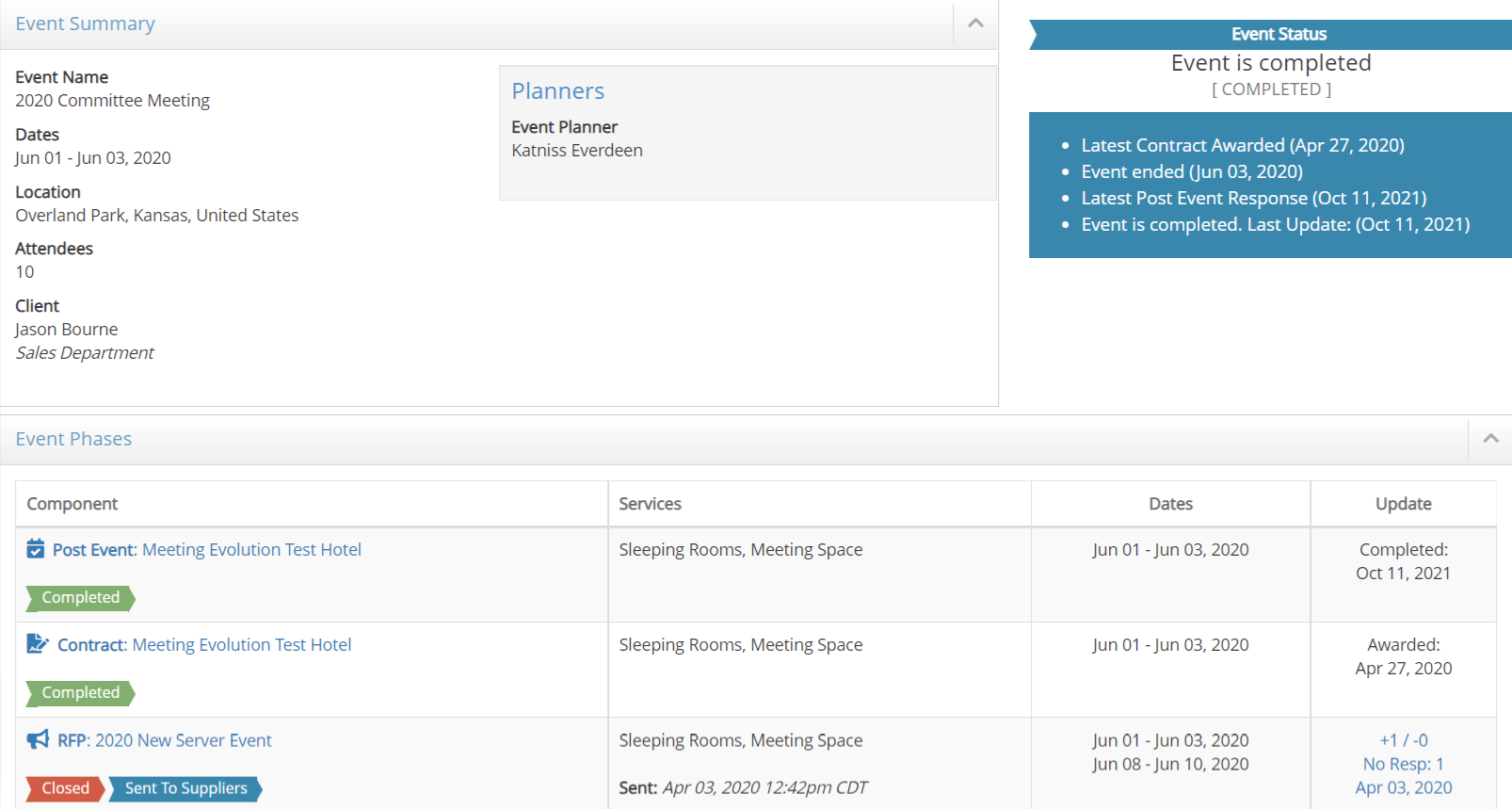
Select the Event Name to view the details.
This example shows a completed event. It includes the Post Event section to view actual hotel room pickup and expenses, the Contract section to show the contracted room block and meeting space, and the RFP.
For additional help, please contact support@meetingevolution.net
Comments
0 comments
Article is closed for comments.