
The CVB or Hotel Rep company user can follow up on their leads by sending response reminders or response links to their properties. This article covers the following topics:
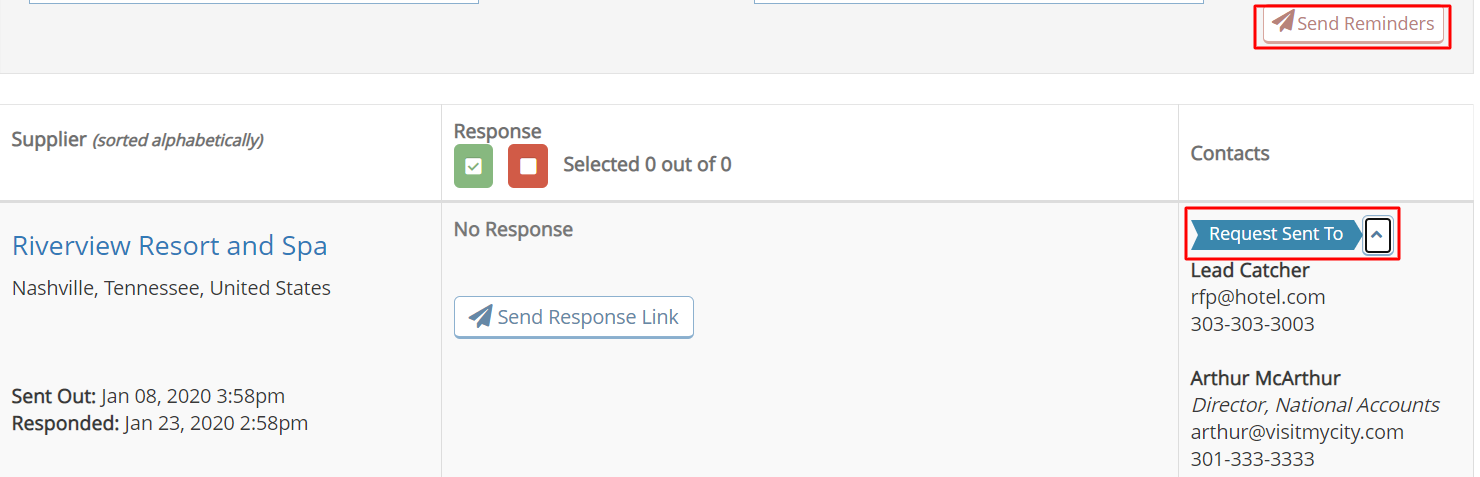
Within the Suppliers on RFP - Response Listing section, use the Send Reminders button to send an email to all properties that have not responded. The reminder will be sent to all of the contacts listed for each property.
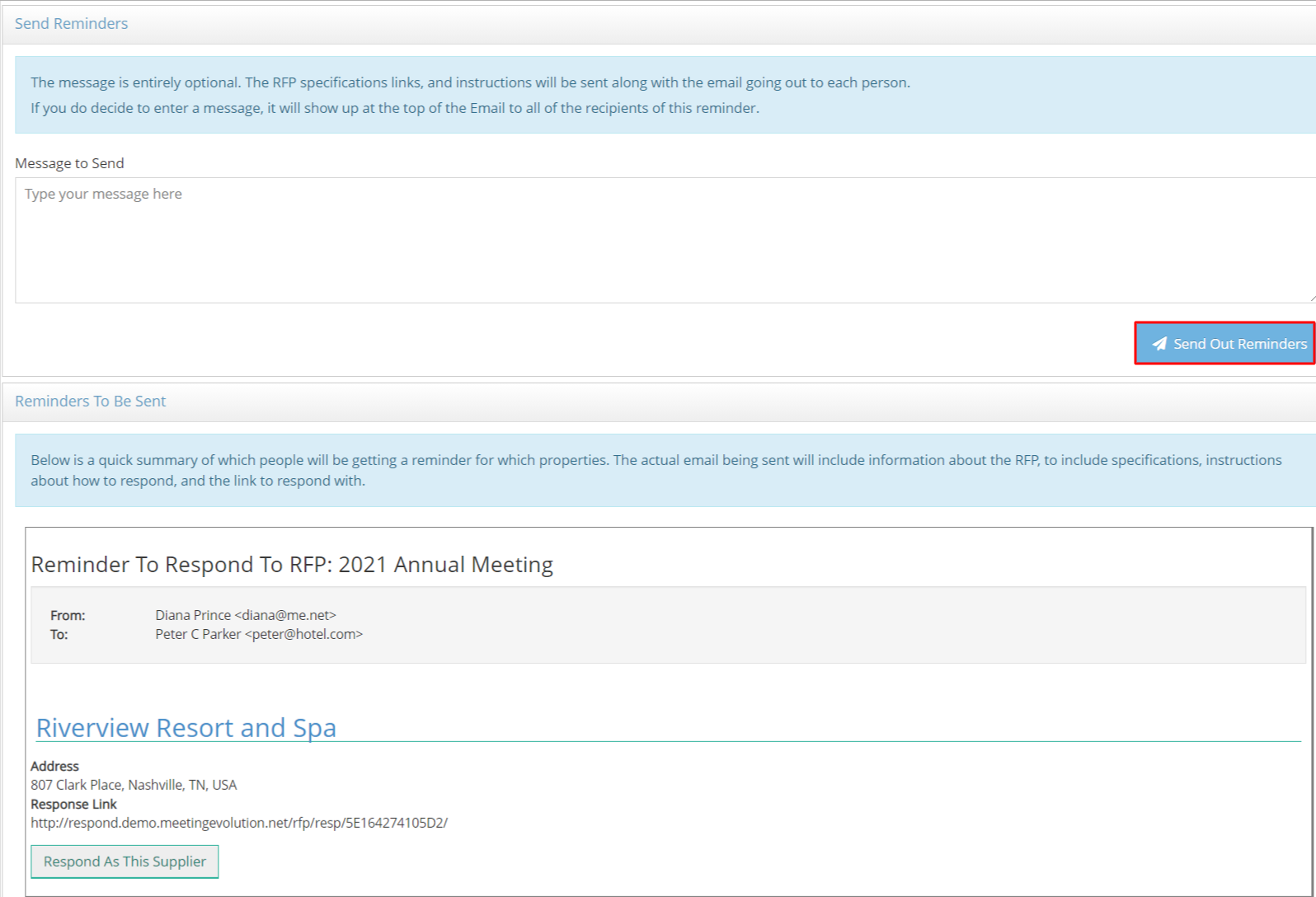
You can add a reminder message (optional) and scroll down to preview the email message. Select Send Out Reminders to distribute when complete.
Send the Response Link to Another Contact
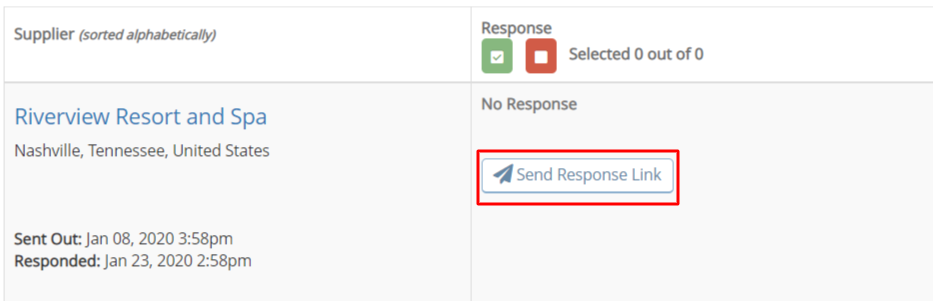
Within the Suppliers on RFP - Response Listing section, use the Send Response Link button to forward the RFP to another contact.
Add the contact's name and email address, a message (optional) and scroll down to preview the email message. Select Mail Link to distribute when complete.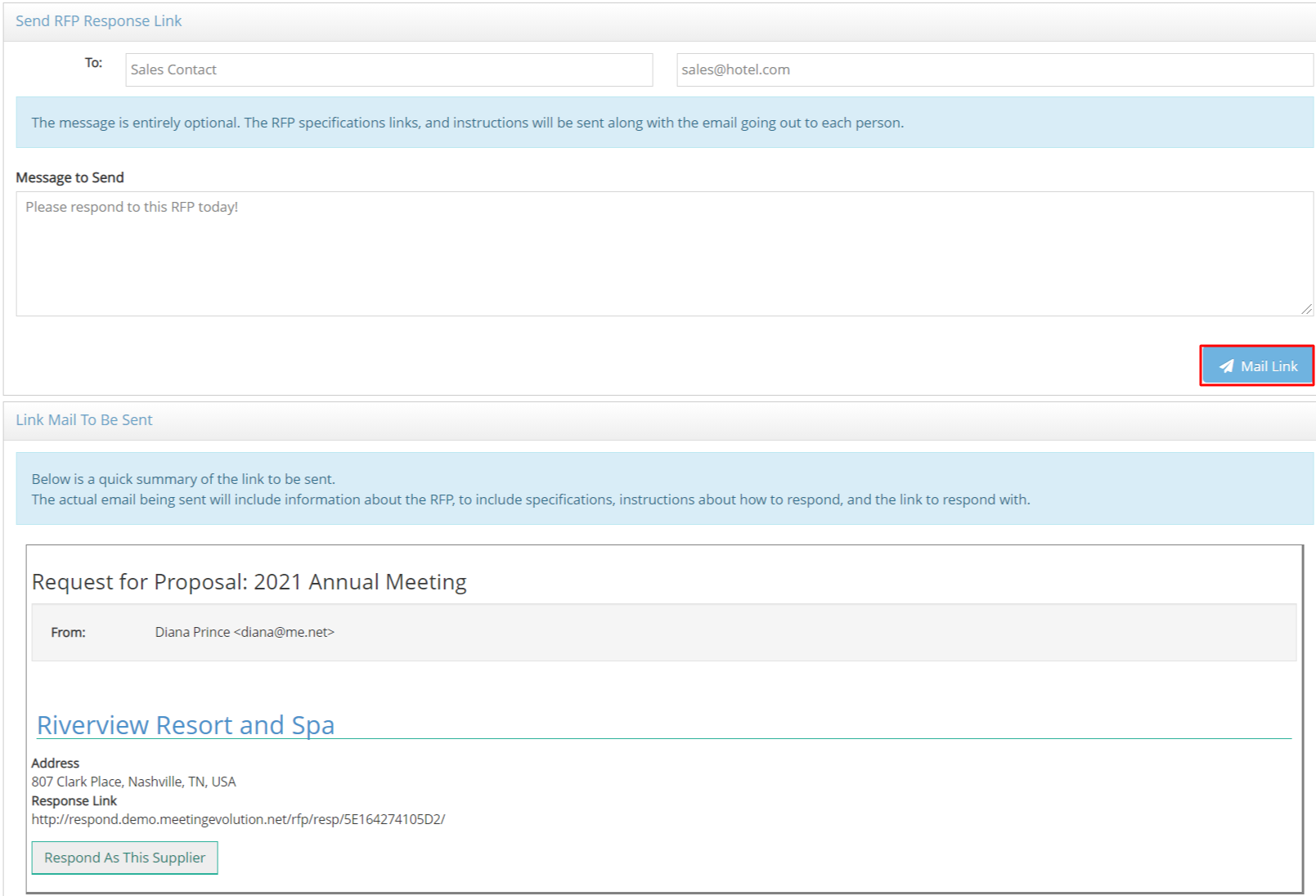
Comments
0 comments
Article is closed for comments.