
If you have been added to our system in response to a planners request or perhaps responded to an RFP from our system, then you have log-in credentials for accessing Meeting Evolution.*
You log in to our system with the following link: https://rep.meetingevolution.net/login/

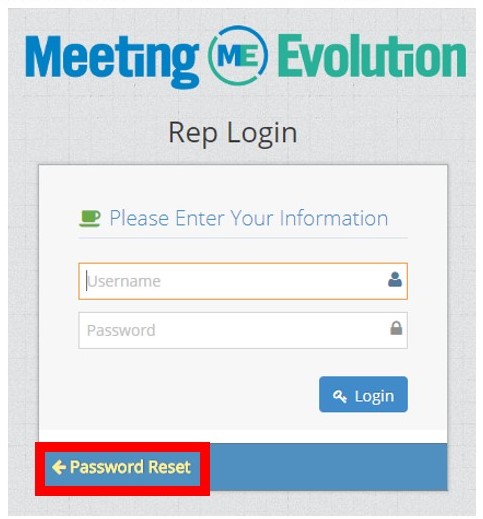
There is a Password Reset option below log-in if you forgot your password, just click on the PASSWORD RESET hyperlink bordered in red.
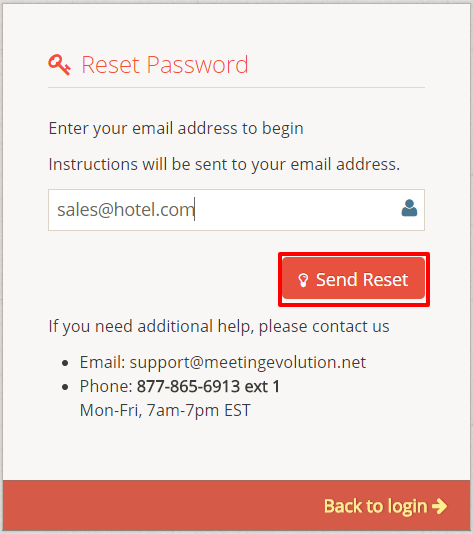
You will then enter your email address in this next screen and select the SEND RESET button:
You will then receive an email with the following:
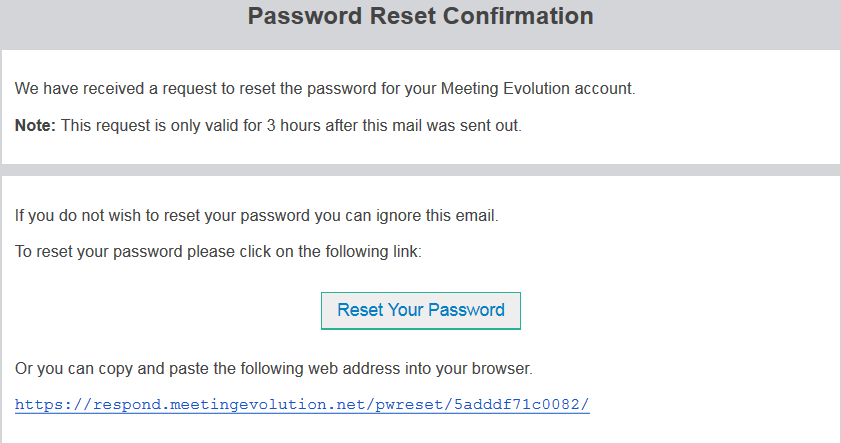
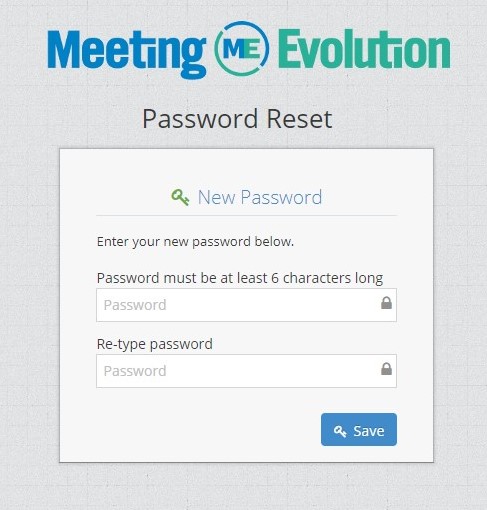
Clicking on the provided link, or copying and pasting it into your internet browser will take you to the page to reset your password. Password must be at least 6 Characters in length.
*If you have any issues with your log-in, you can email support@meetingevolution.net and we will be happy to provide you with credentials to access Meeting Evolution.
Comments
0 comments
Article is closed for comments.