
Hotel rep company and CVB users can view invoices for their properties from the planner organizations who use Meeting Evolution for commission collections.
Select Reports and Invoices -> Outstanding from the toolbar to view a listing of all outstanding invoices for your properties.
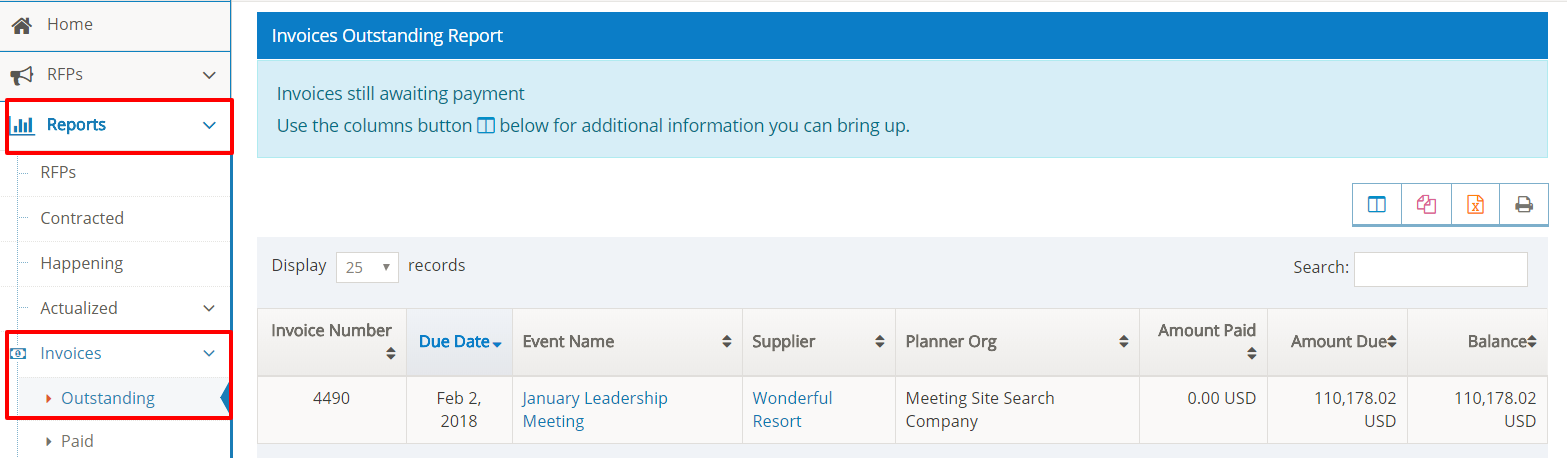
Select the Event Name to view invoice details.
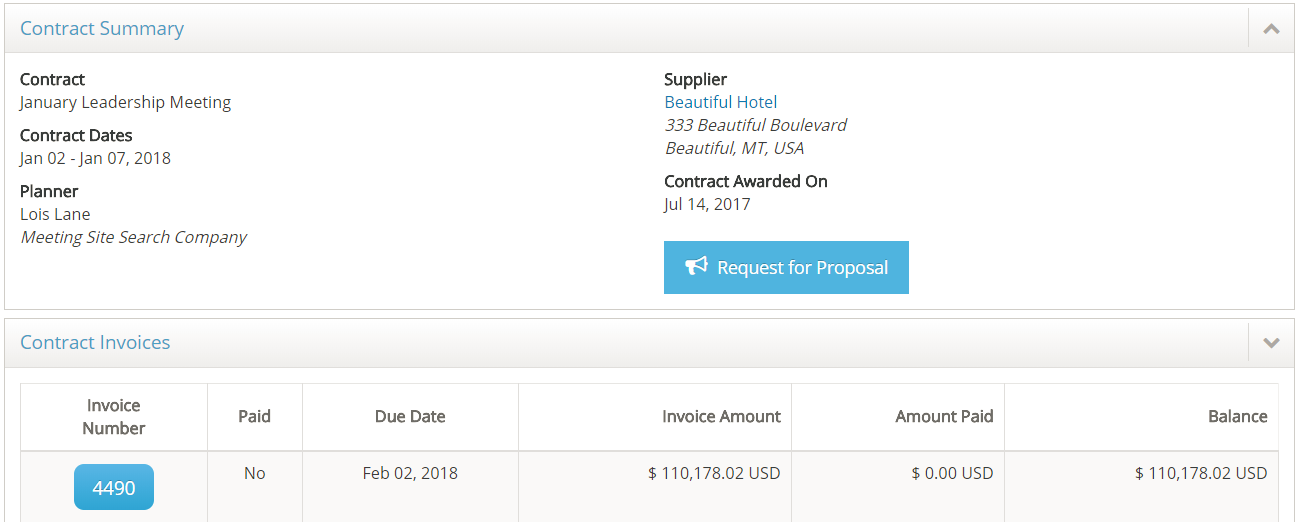
Select the Invoice Number to view the invoice.
Select Reports and Invoices -> Paid from the toolbar to view a listing of all paid invoices for your properties.
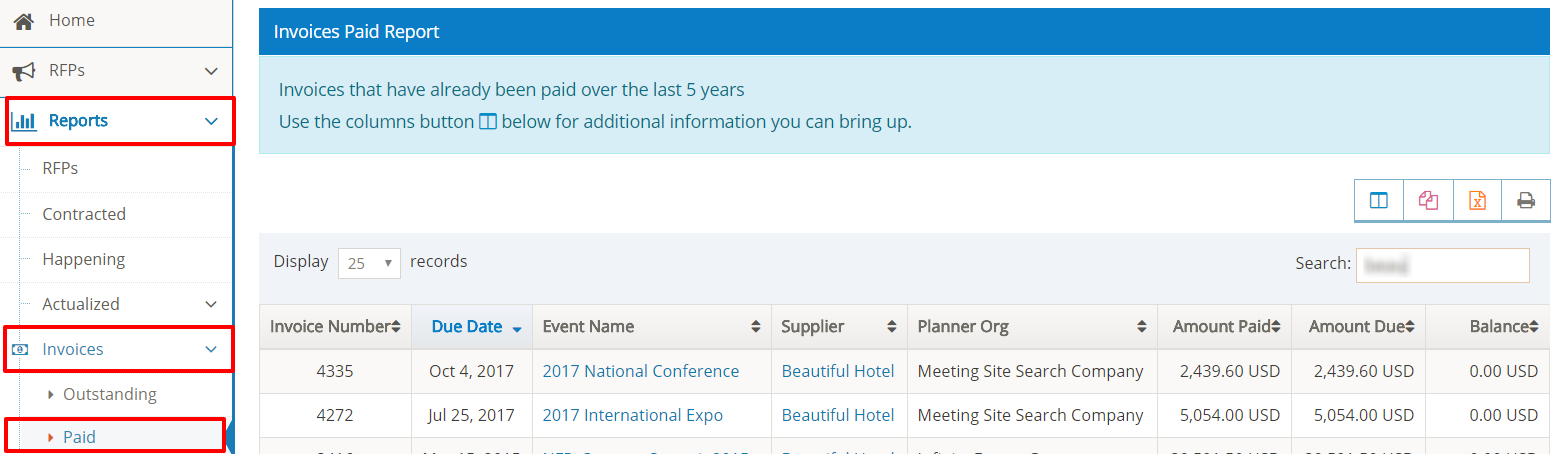
Select the Event Name to view invoice payment details.
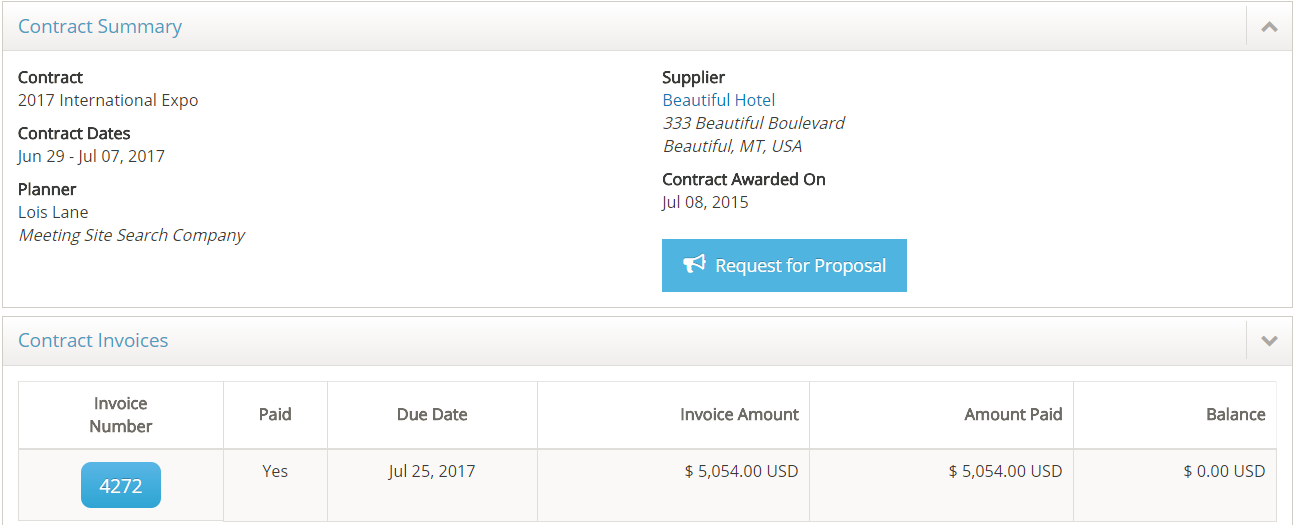
Select the Invoice Number to view the invoice.
Comments
0 comments
Article is closed for comments.