
Global Sales Office users have access to RFP Responses for all of their properties. This article covers the following topics:
Select the RFP Name to view the properties that received the RFP.
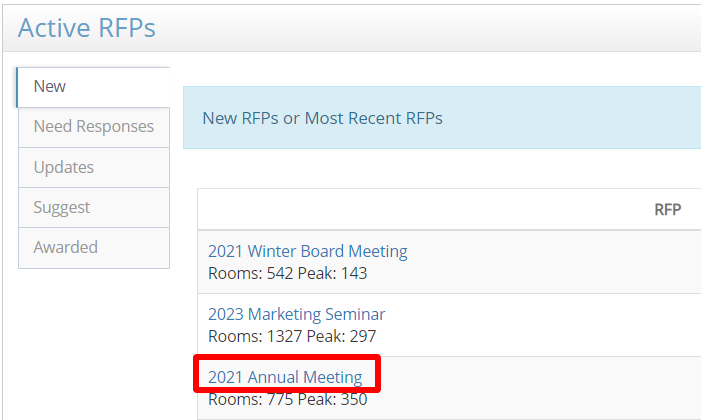
The Suppliers on RFP section will show the responses for all of your properties.
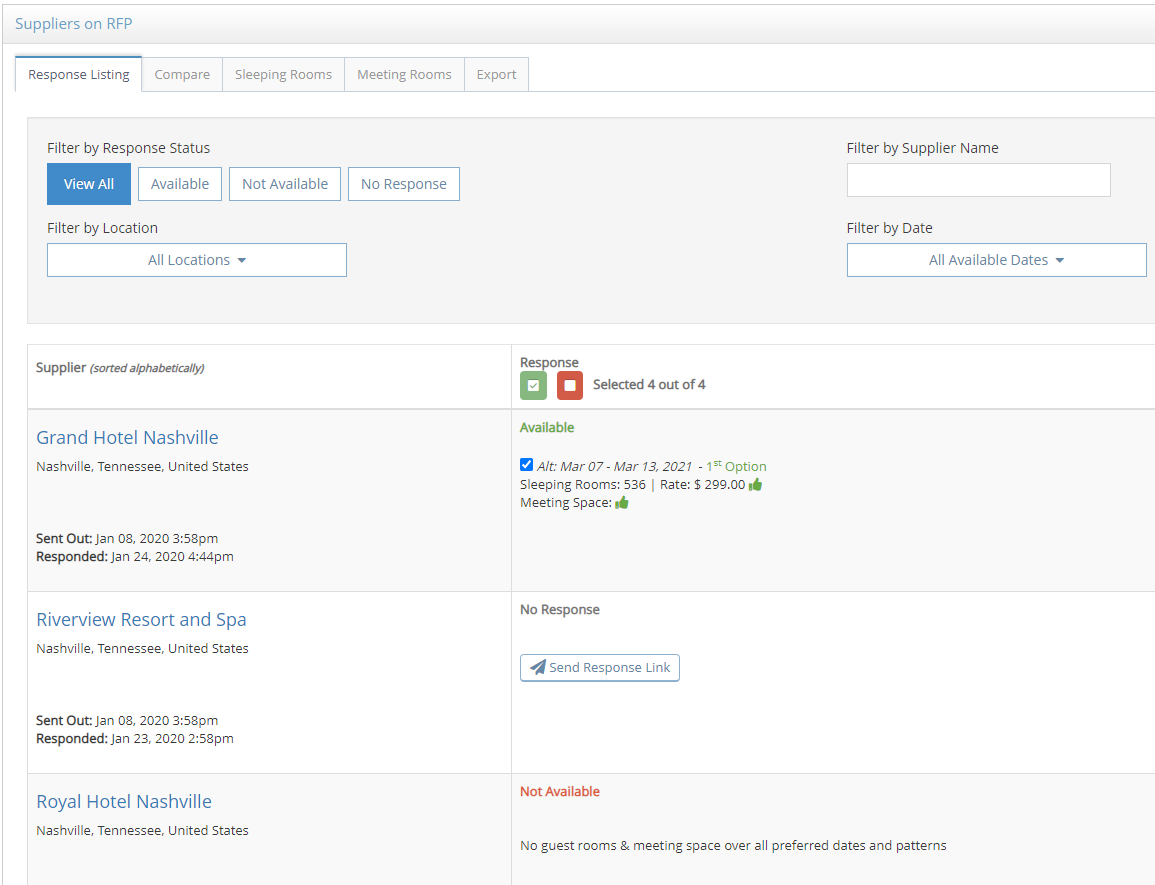
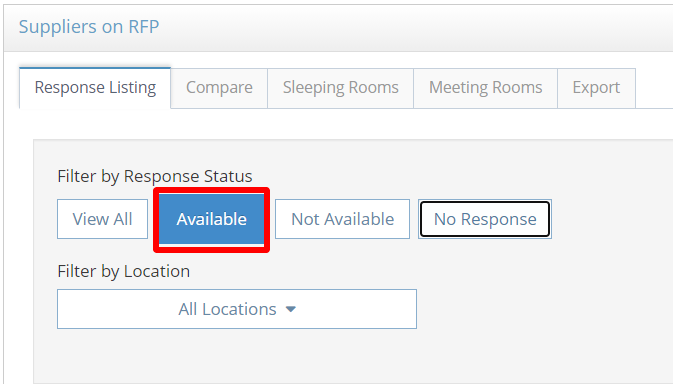
Use the Filter by Response Status options to view the Available, Not Available or No Response options.
Use the Filter by Location or Filter by Date drop down lists to narrow your search results.
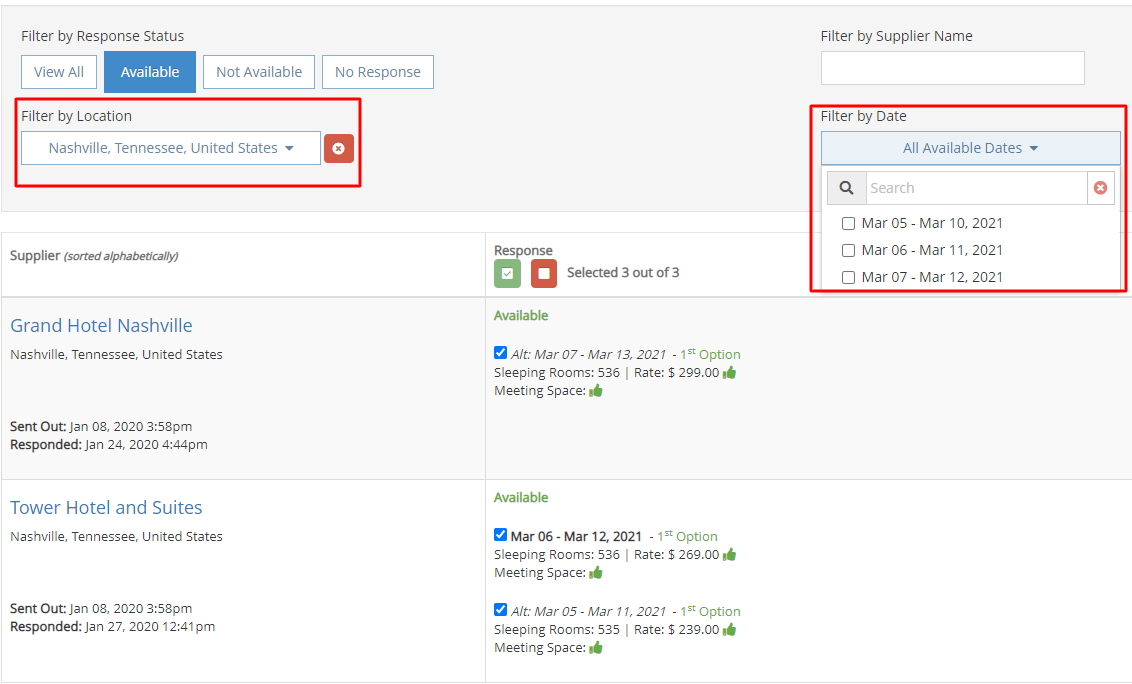
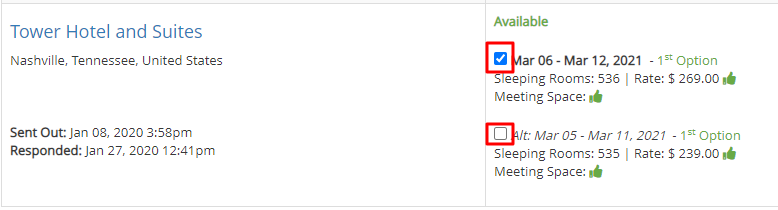
Each available response date will have a check box to select or un-select it. By default, all available dates will be selected.
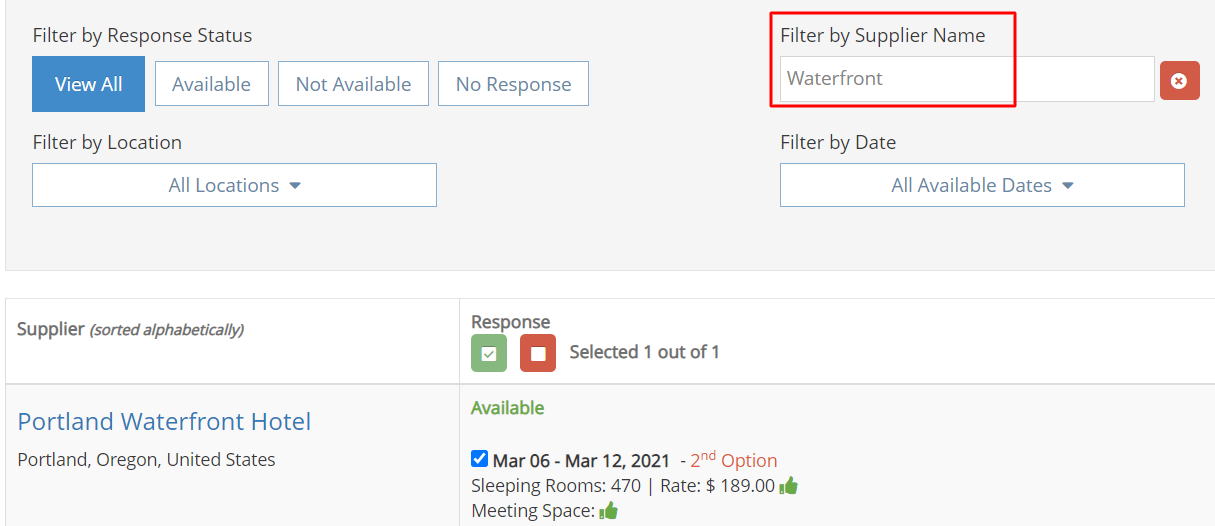
Use the Filter by Supplier Name textbox to search for a property.
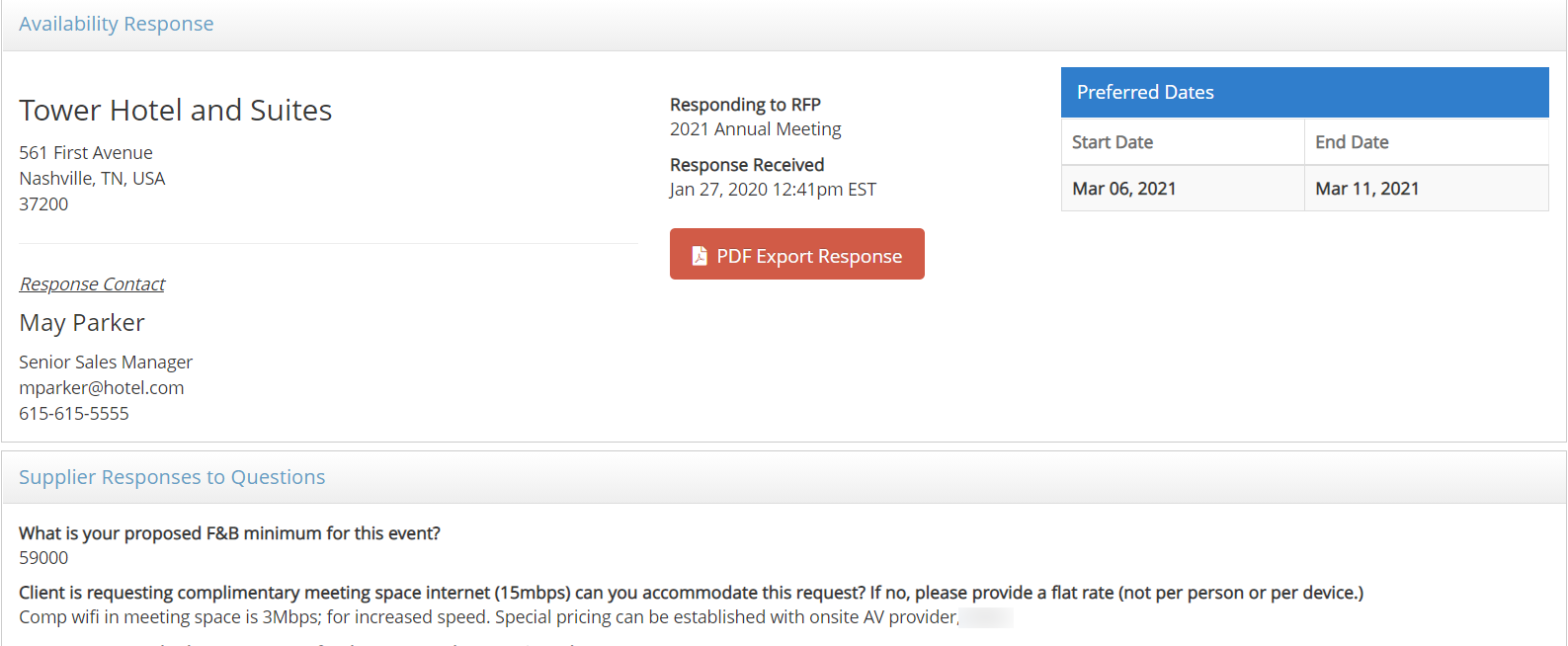
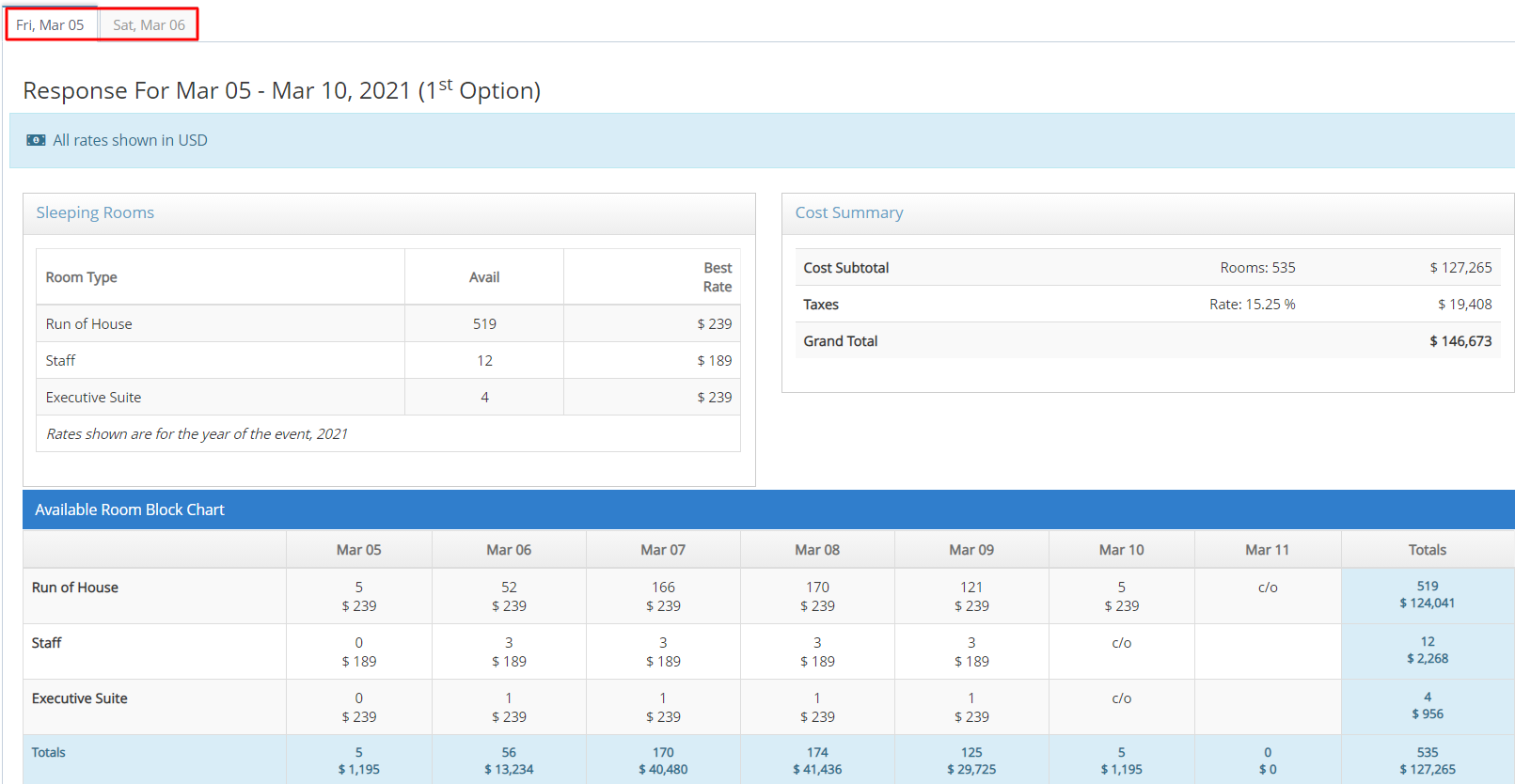
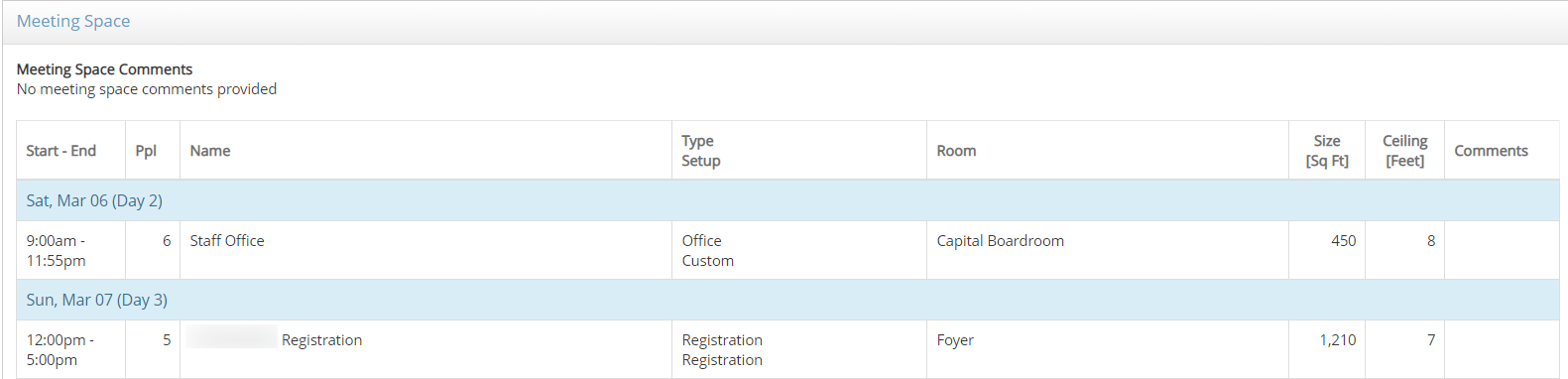
Select the Property Name to view the complete response. If multiple dates are available, a tab will be shown for each date range. Select PDF Export Response to export a PDF or print the response.
Comments
0 comments
Article is closed for comments.