
To view the specifications, select the RFP Name and scroll down to the Detailed Specifications section. This section is below the list of suppliers who received the RFP.

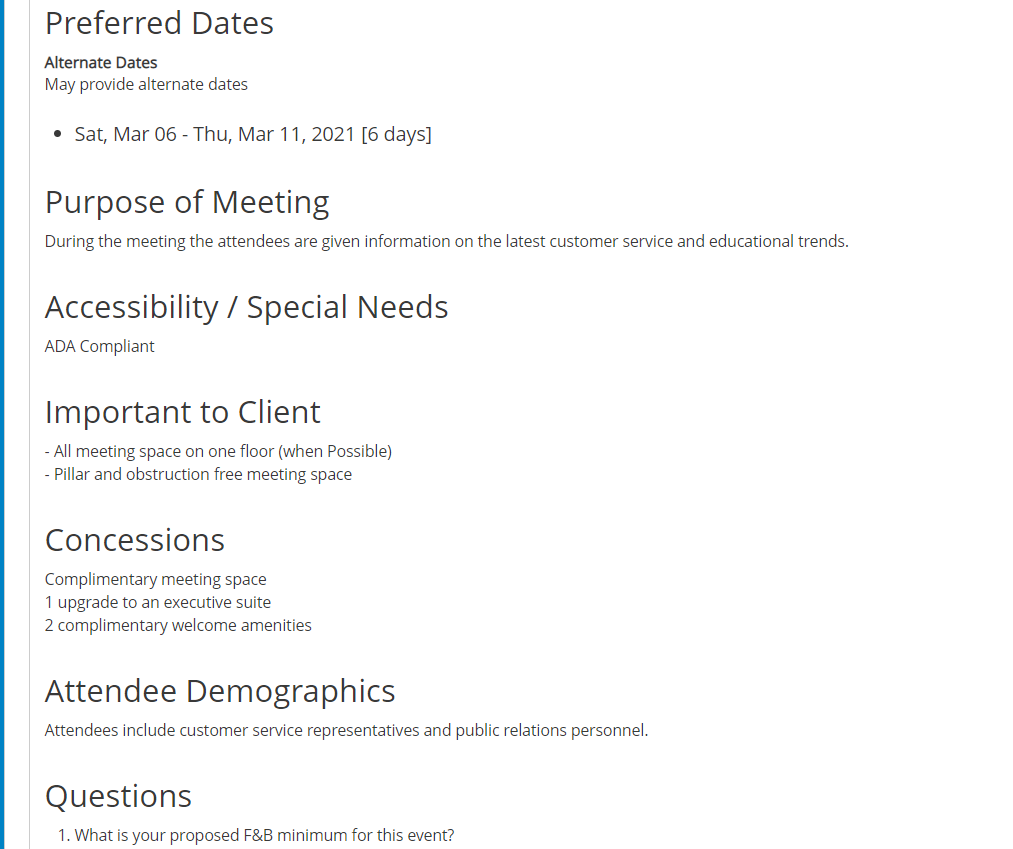
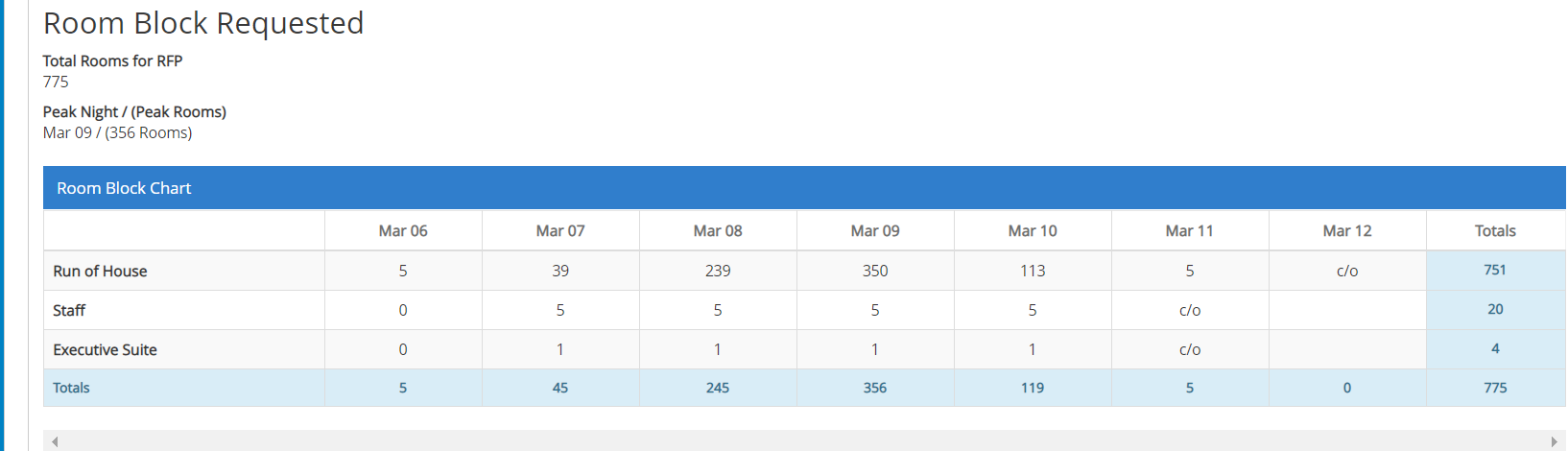
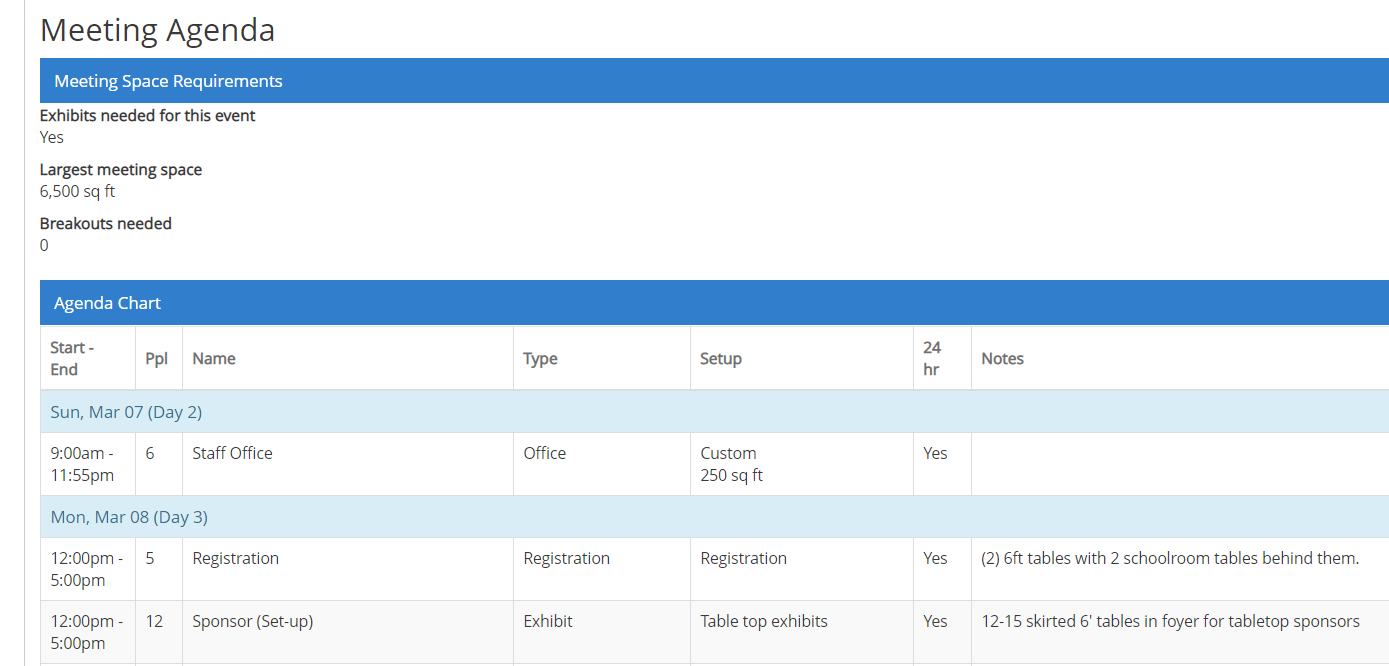
Open the Detailed Specifications section to view the details including Event History, Event Profile, Concessions, Sleeping Room Block, Meeting Space Agenda and RFP Questions.
Right-click on the specifications and select Print to print the specs or download to a PDF.

Comments
0 comments
Article is closed for comments.