
The Contracts Report provides an analysis of your contracted events.
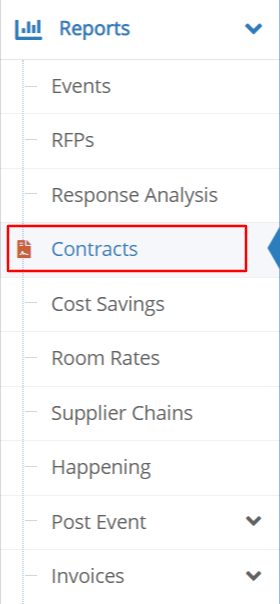 |
Select Reports and Contracts from the left side toolbar.
If the event has multiple contracts, each line item represents one contract. Actualized room block pick-up and total spend are shown when applicable.
|
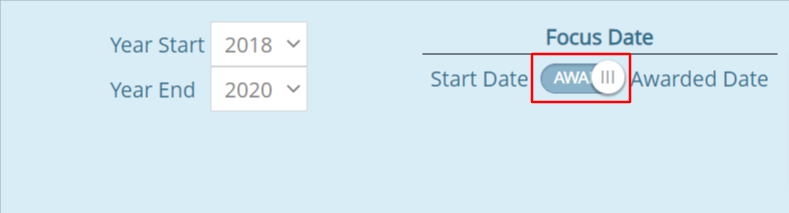
Use the Focus Date toggle to generate a report based on either the Event Dates or the Awarded Date (date of contract signature).
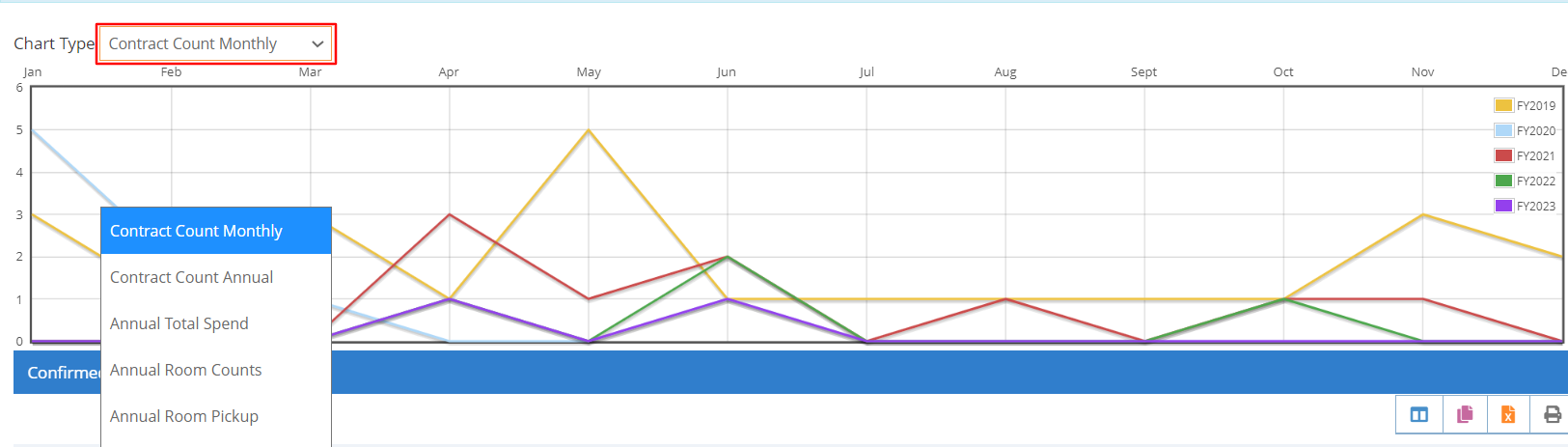
Use the Chart Type drop down list of options to select a chart displaying your data.
View the information for the selected years in the Confirmed Contract Analysis listing.
The Supplier and Client columns have a drop down list for filtering the results.
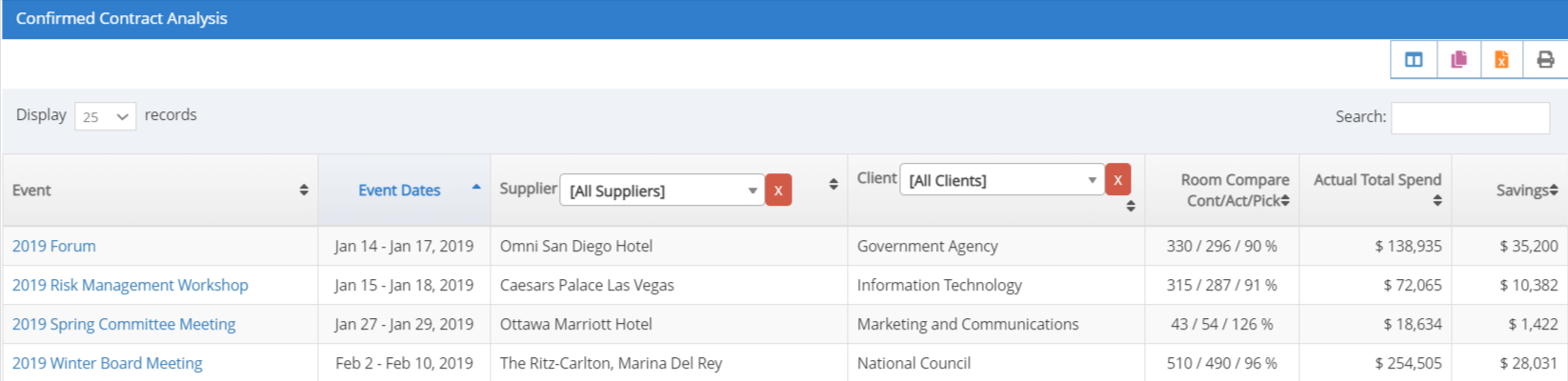
Use the Columns icon to add or remove columns of information displayed in the report.
Use the Reporting Toolbar to export or print your report.
Refer to Customize, Download or Print Your Reports for additional options.
Comments
0 comments
Article is closed for comments.