
Instructions for changing the artwork image used on a registration site.
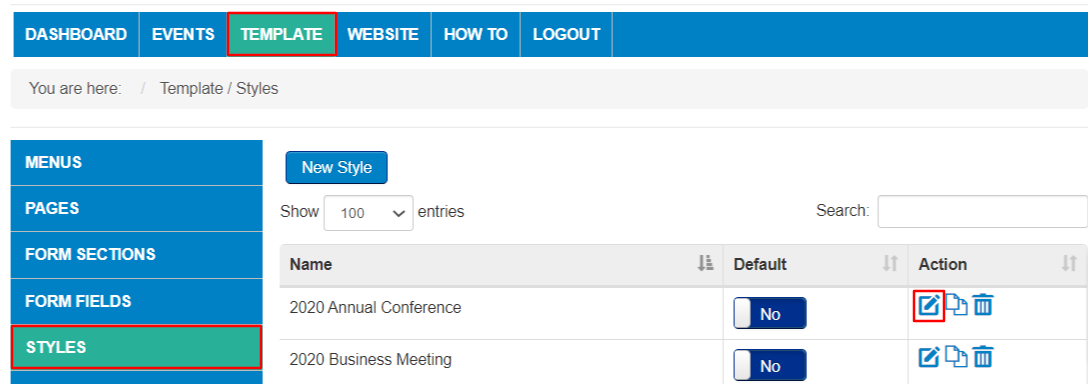
From the Events Listing page, select Template and Styles.
Locate the style template in the listing and select Edit or create a new style.
Upload your artwork in the Banner Image section at the bottom of the Style Form.
Choose a file from your computer and Save.

The recommended file size is 1000px wide by 200px high. Accepted file types are .jpg, .png and .gif files.
Return to your registration site to preview the new artwork. You may need to clear your browser cache (Ctrl-F5) to see the update.
Refer to Setting Up Your Registration Site Template and Style for details on customizing the colors of your site.
Comments
0 comments
Article is closed for comments.