
All suppliers can Add, Edit or Remove contacts for their properties.
To REMOVE or EDIT a property contact:
1. Go to PROPERTIES tab on the upper left Menu of your home page
2. Select MY PROPERTIES - A listing of all properties in your portfolio will be displayed
3. Click on the Property Name
4. On the left hand menu, you will now select the CONTACTS tab (circled in red)
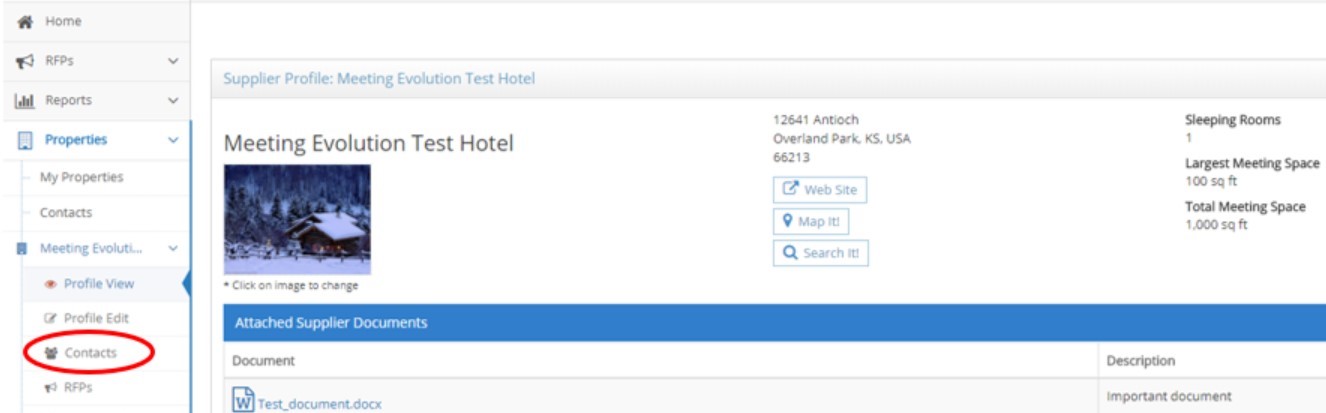
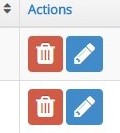
5. The contact listing is displayed now on the page. Action buttons on the far right hand column allow you to remove (red trash can) or edit (blue pencil) a contact at the property level:
6. Be sure to scroll to the bottom of the edit page, to SAVE any changes
Comments
0 comments
Article is closed for comments.