
Your Meeting Evolution home page provides quick access to your RFP responses and all RFPs for your property. The home page tabs access the following information:
The My Responses tab provides access to your RFP responses.
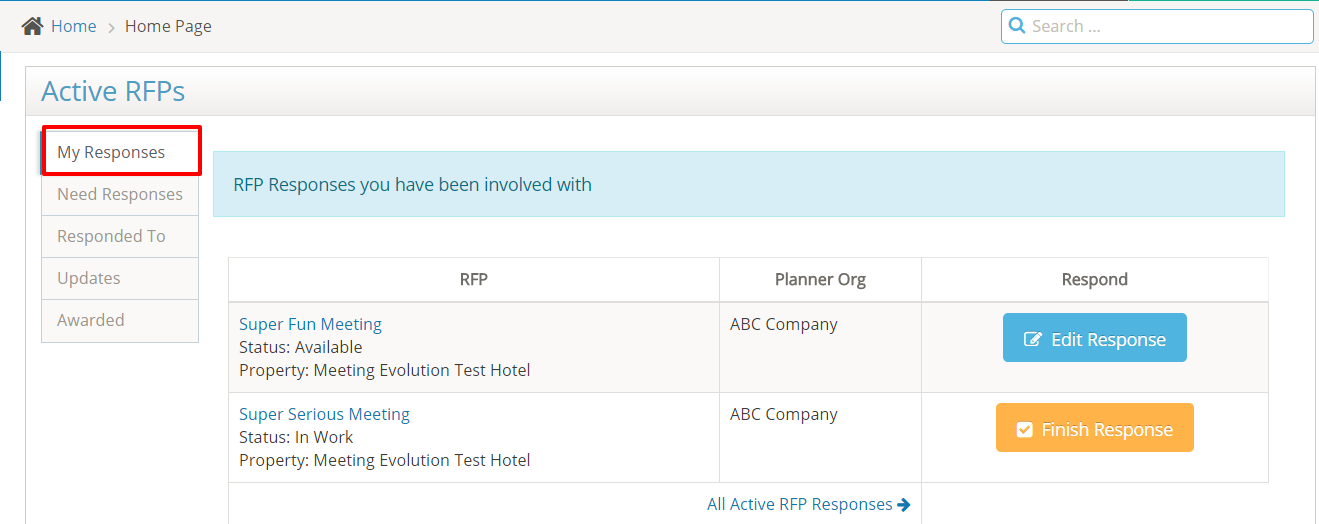
Select the RFP Name to view your response or the Edit Response button to update it.
The Need Responses tab shows a listing of any open RFPs for your property.
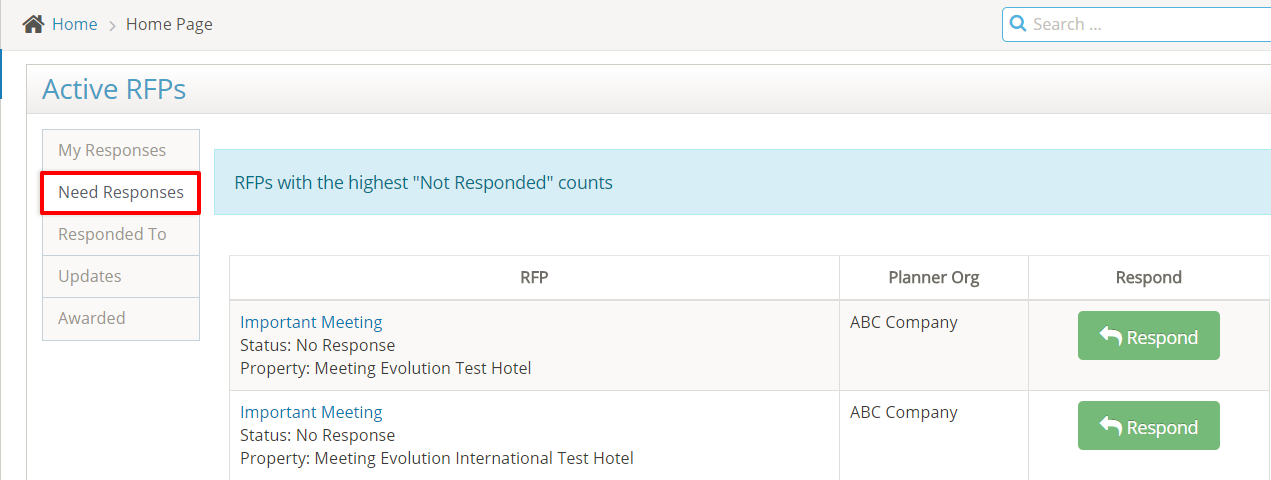
Select the RFP Name to view the specifications or the Respond button.
The Responded To tab shows a listing of responses submitted by your colleagues.
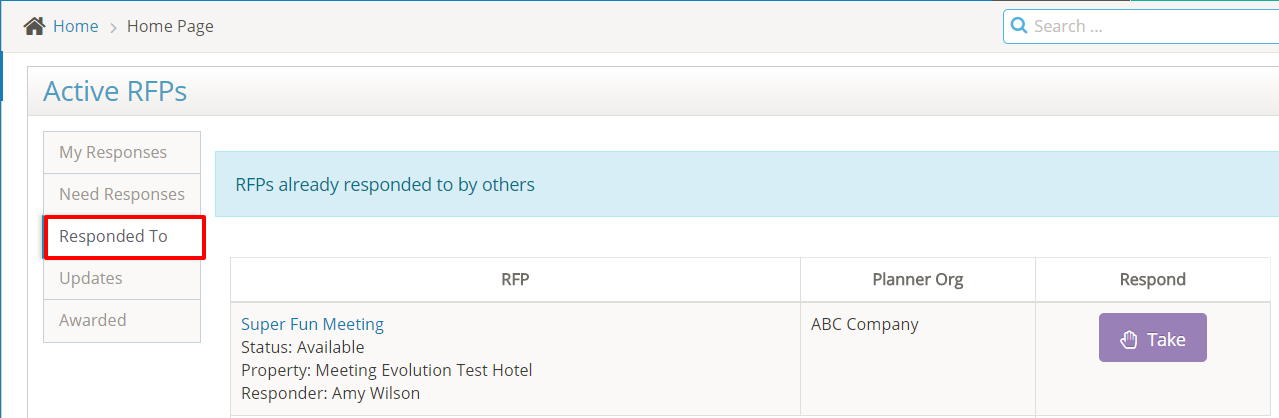
Select the RFP Name to view the response. If the response needs to be updated, use the Take button to take ownership of the response and make it available for you to edit.
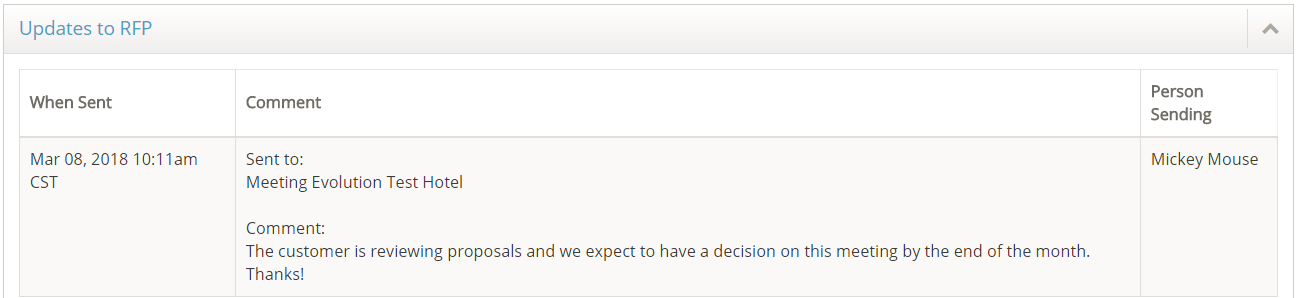
The Updates tab provides a listing of RFPs with a status update from the planner.
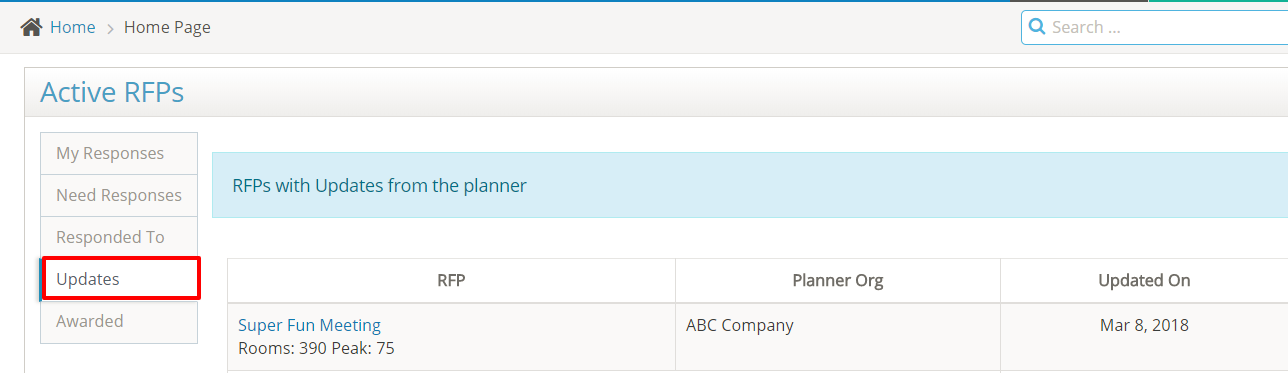
Select the RFP Name to view the update. These notification emails are also sent to all suppliers who responded to the RFP.
The Awarded tab provides a listing of recently awarded RFPs.
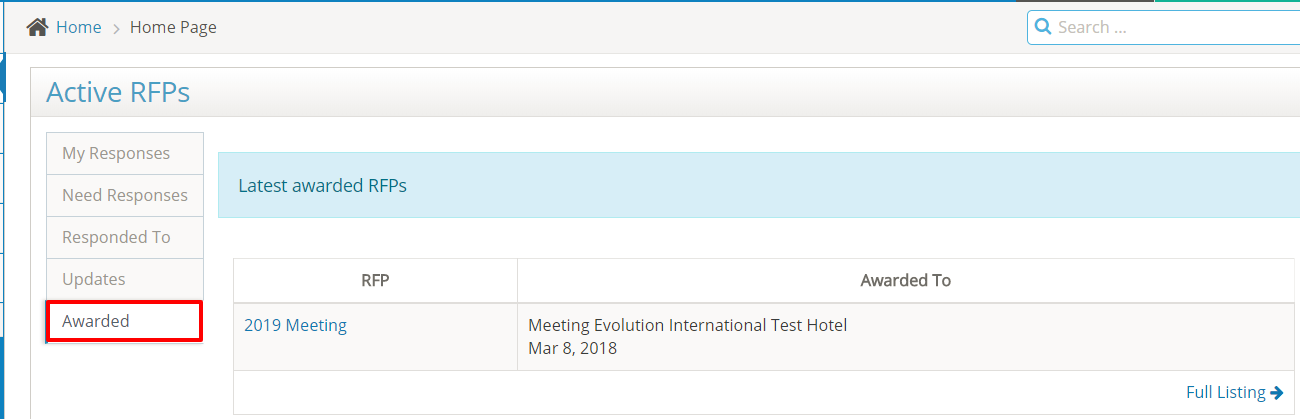
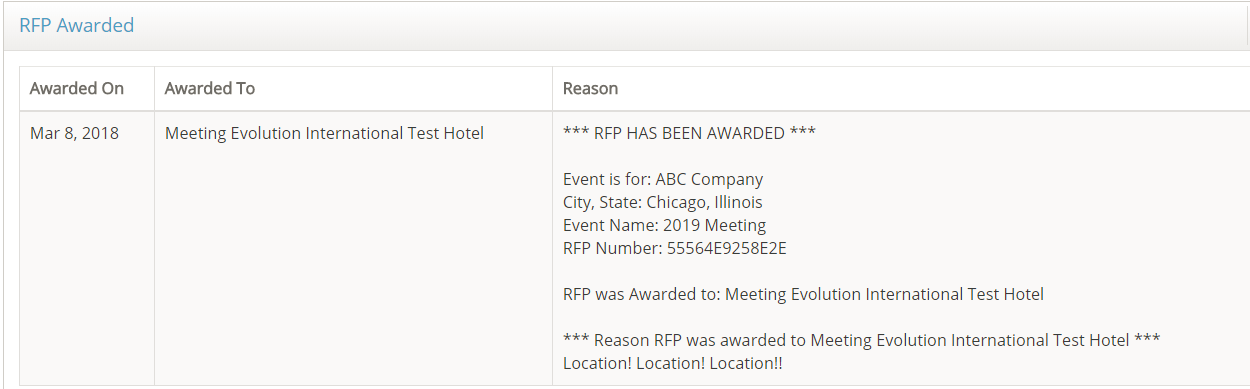
Select the RFP Name to view the notification message. Please note the planner may choose not to disclose the name of the contracted property and/or the reason for their decision.
For RFPs awarded more than 90 days ago, search for the RFP by name or by RFP number using the Search feature on the home page.
Comments
0 comments
Article is closed for comments.