
Global sales office users have access to a listing of upcoming contracts for their properties.
Select Reports from the toolbar and Happening from the Reports Menu to view the Contracts Going to Happen list.
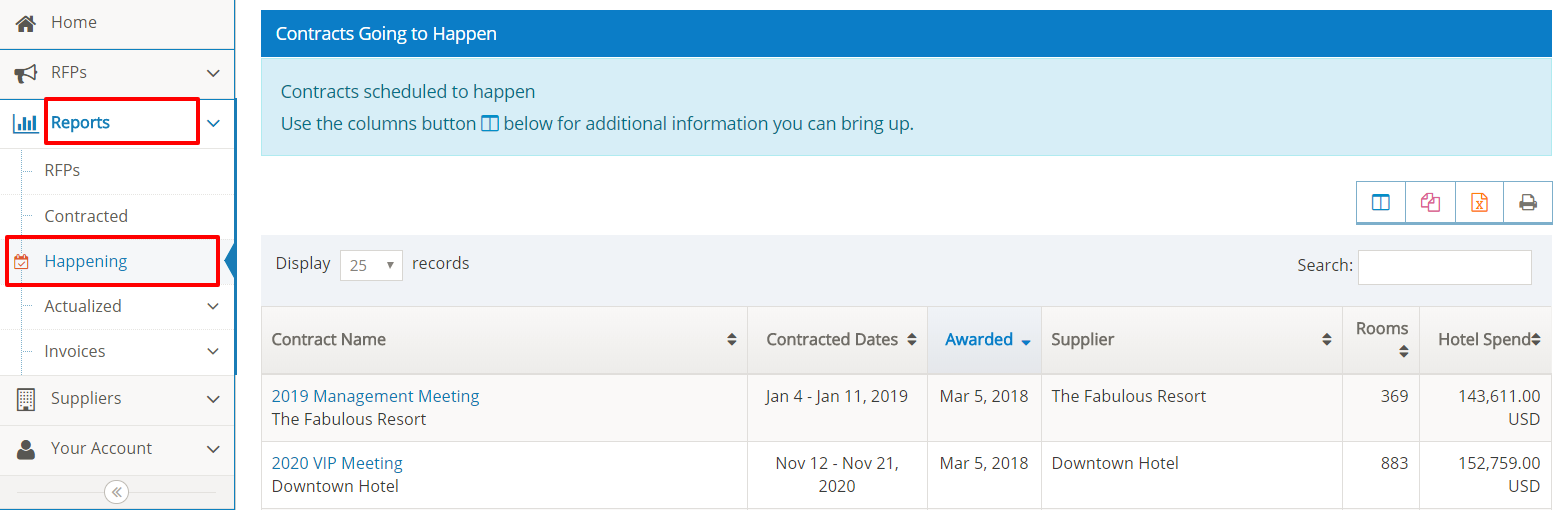
Use Columns icon to customize the report by selecting or un-selecting the columns to be displayed in your report.
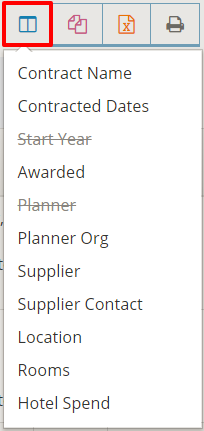
Information columns will be added or removed from the screen to customize your report view.
View Contract Attachments and Room Block
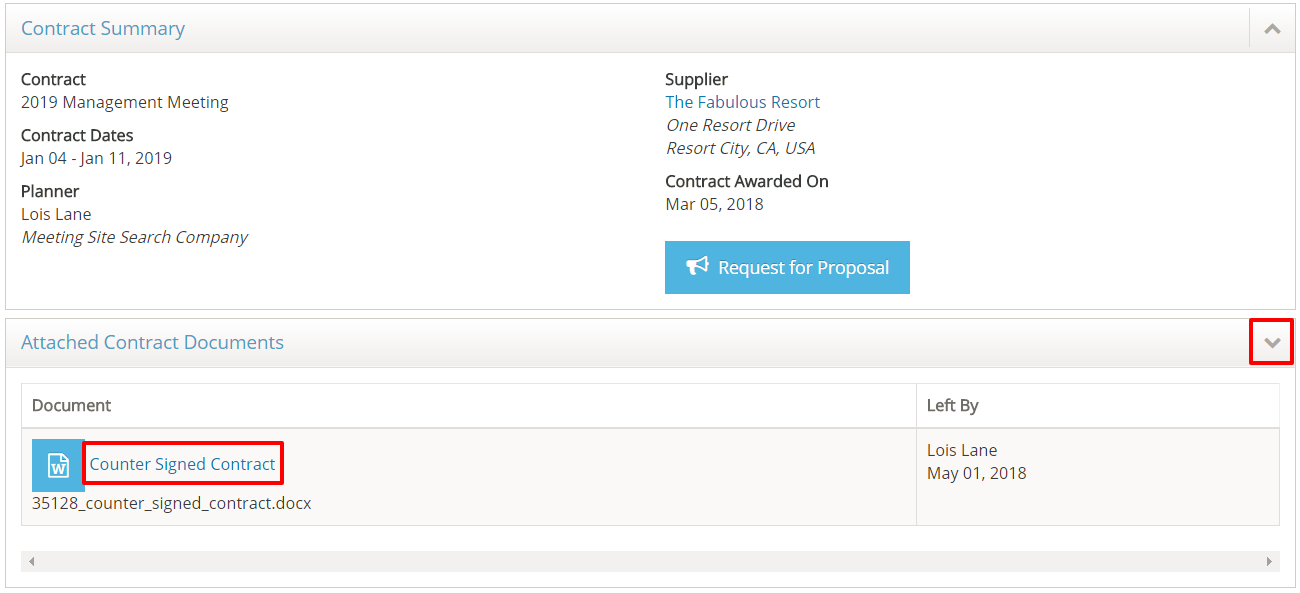
Select the Contract Name to view the details. Open the Attached Contract Documents section to download any documents the planner has included such as the counter-signed contract or an addendum. Note: these documents must be attached by the planner.
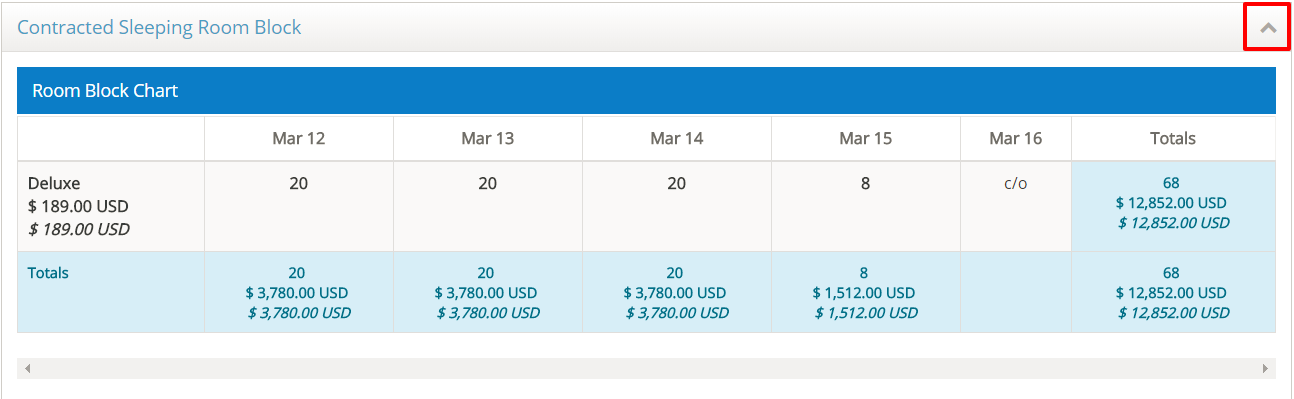
Open the Contracted Sleeping Room Block section to view the contracted room block and rates.
Comments
0 comments
Article is closed for comments.