
Instructions for viewing the suppliers responses to your RFP.
From the home page, locate the RFP and select Responses to reach the Proposals tab.
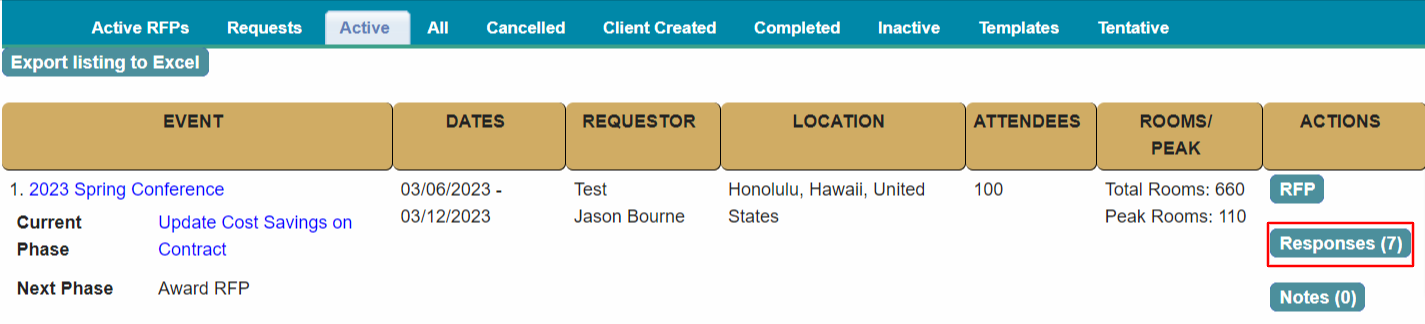
Scroll down to the All Suppliers section.
The listing shows all responses received, they are grouped by location.
Suppliers With Availability are shown first.
T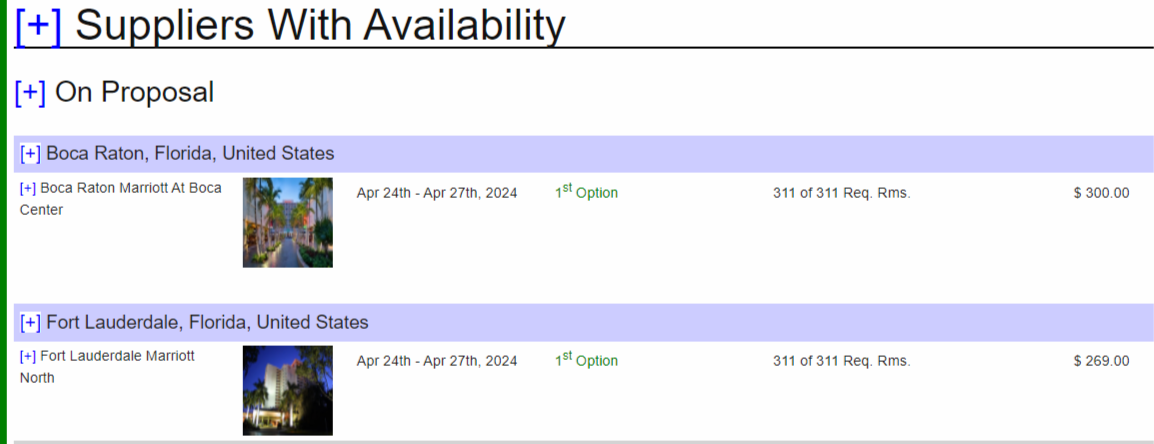
To view a response, select the + sign for a supplier and select View Response.
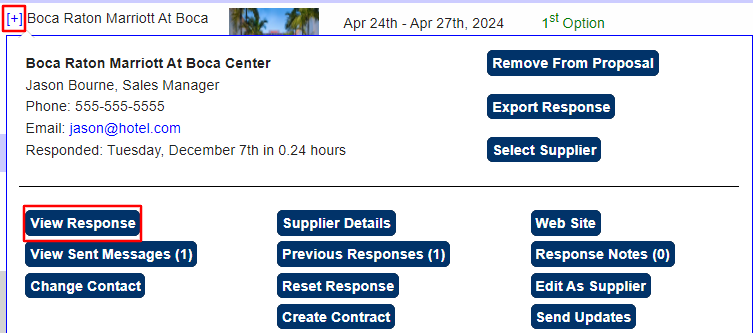
The detailed response view includes the room block and rates, meeting room assignments and answers to the RFP Questions.
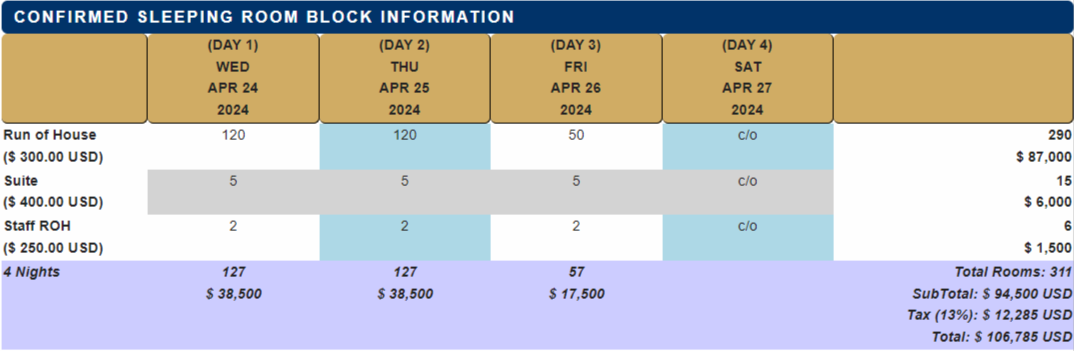
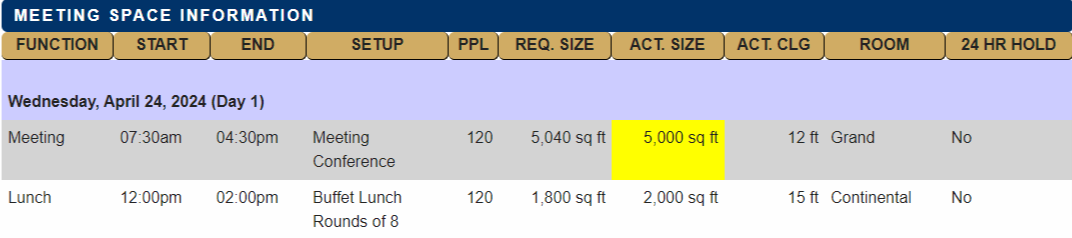

The response view will also show supplier profile information such as property details, average meal prices, transportation information and any attachments (floorplans, menus, etc.).
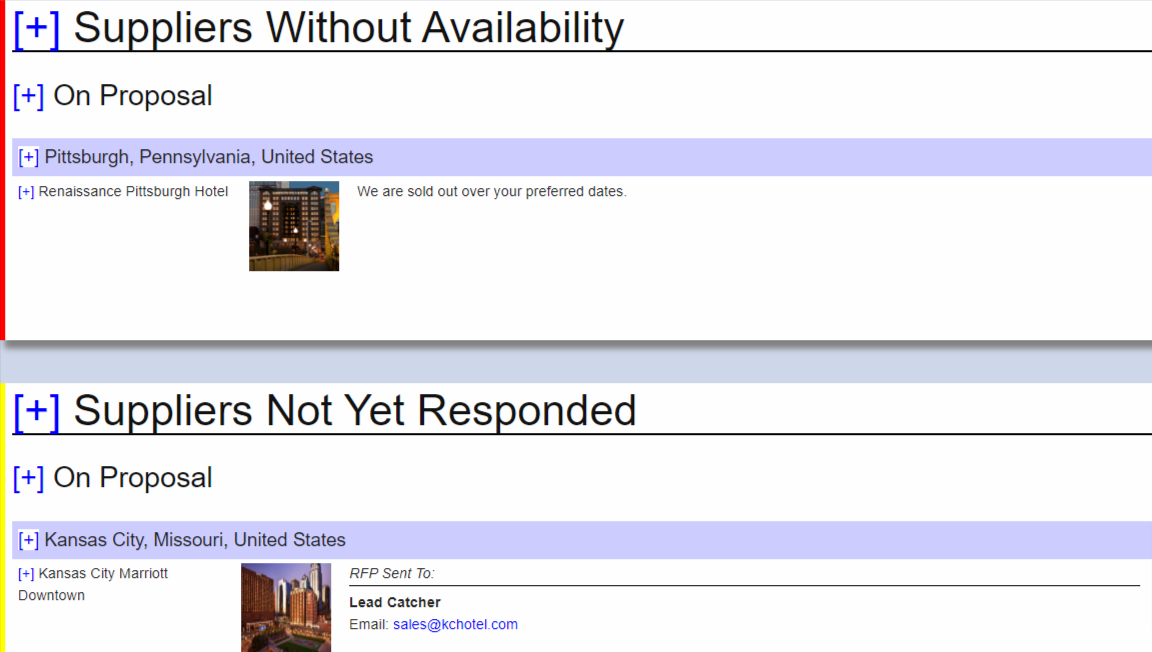
Scroll down the listing to see Suppliers Without Availability and Not Responded Yet.
Proceed to Comparison Reports or Export Responses for next steps.
Comments
0 comments
Article is closed for comments.