
Instructions for the RFP Questions step.
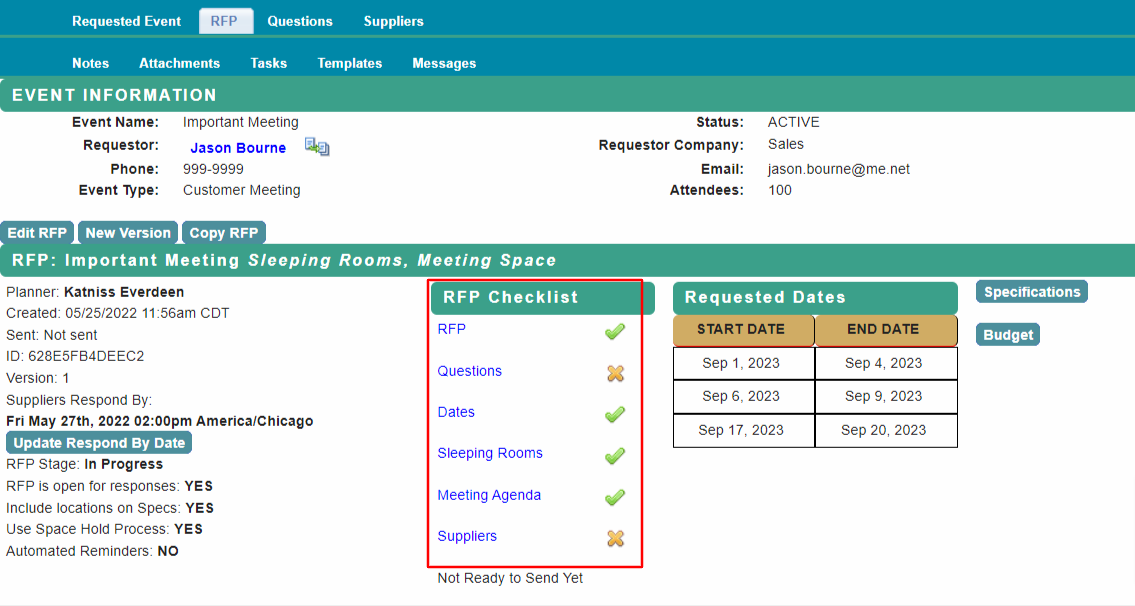
From the home page, select RFP to reach the RFP tab with the Checklist.
Select Questions from the RFP Checklist and add your questions for suppliers to answer.
Type your question in the Question to be asked field.
Select the Type of Field (Text, Text Box, Number or Yes/No) and Commit Question to save it.

If your organization has a standard list of default questions for all RFPs, they will be shown here.
Once the RFP has been sent, the Questions cannot be edited.
Select Back to RFP Checklist when complete.
Proceed to RFP Checklist - Dates for next steps.
Comments
0 comments
Article is closed for comments.