
Instructions for sending the RFP to suppliers.
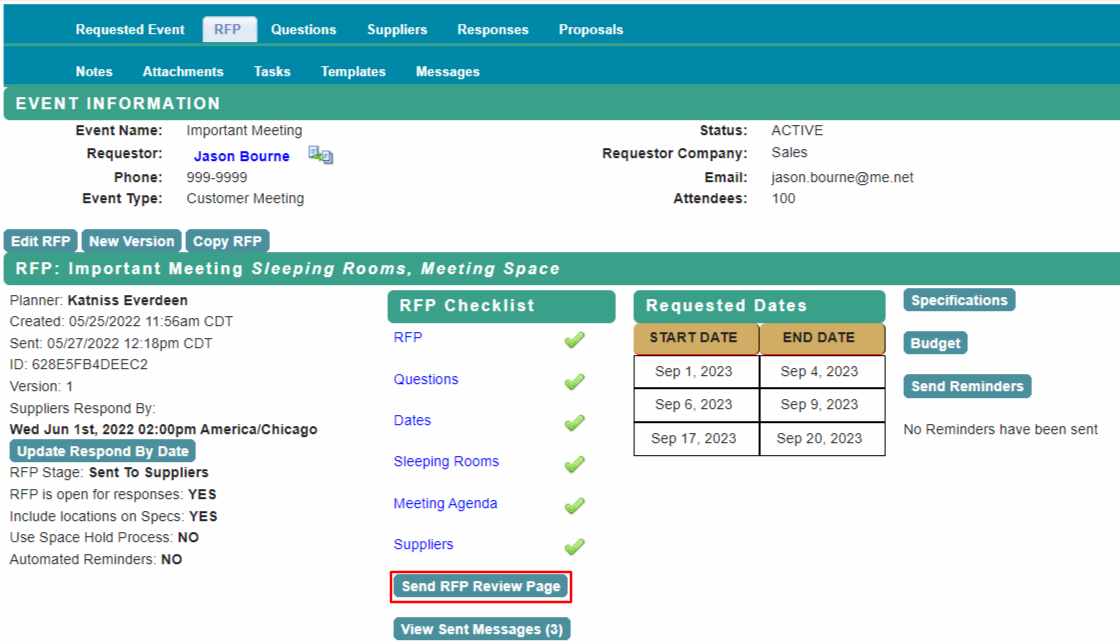
From the home page, select RFP, then select Send RFP Review Page from the checklist.
This option will only be available when all steps in the RFP Checklist are complete.
The RFP Mailer page will pre-populate with your organization's Hotel Global Sales Office contacts. Use Edit List of Contacts or New Contact to add/remove recipients.
To include the convention bureau or hotel rep company contacts, select the contact in the Rep Org Listing section.
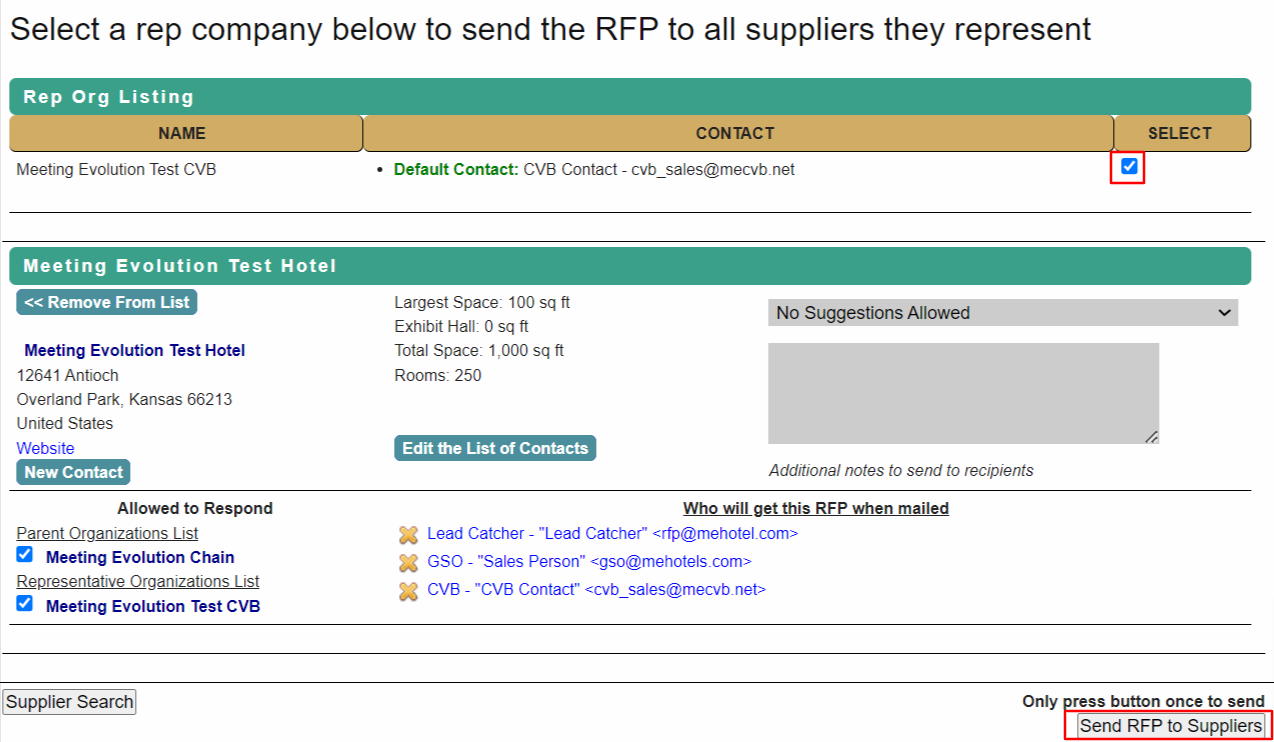
After reviewing the list of properties and RFP recipients, select Send RFP to Suppliers.
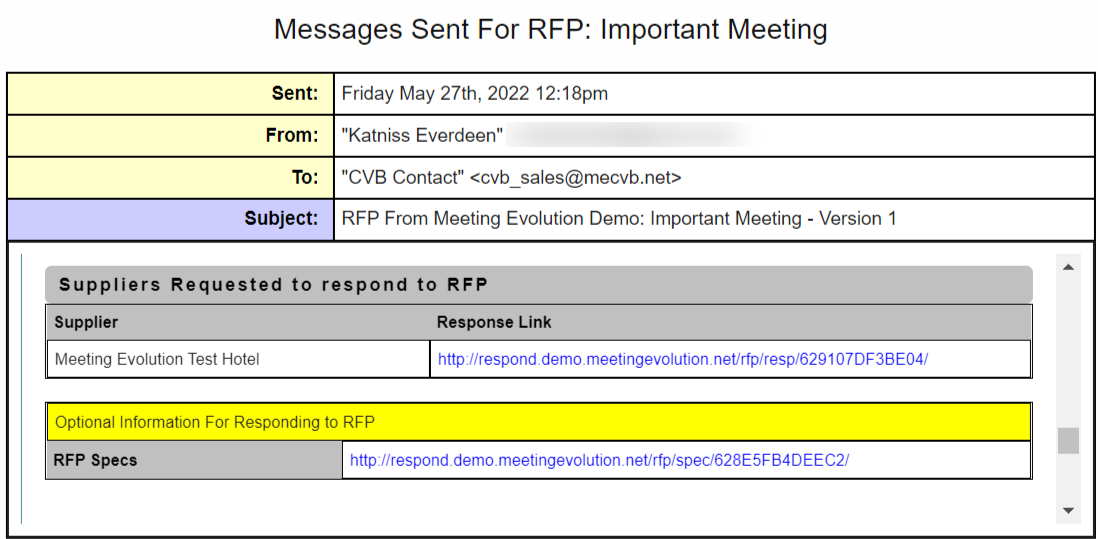
Supplier Contacts will receive the RFP via email.
Each property will have a unique link for their response.
Comments
0 comments
Article is closed for comments.