
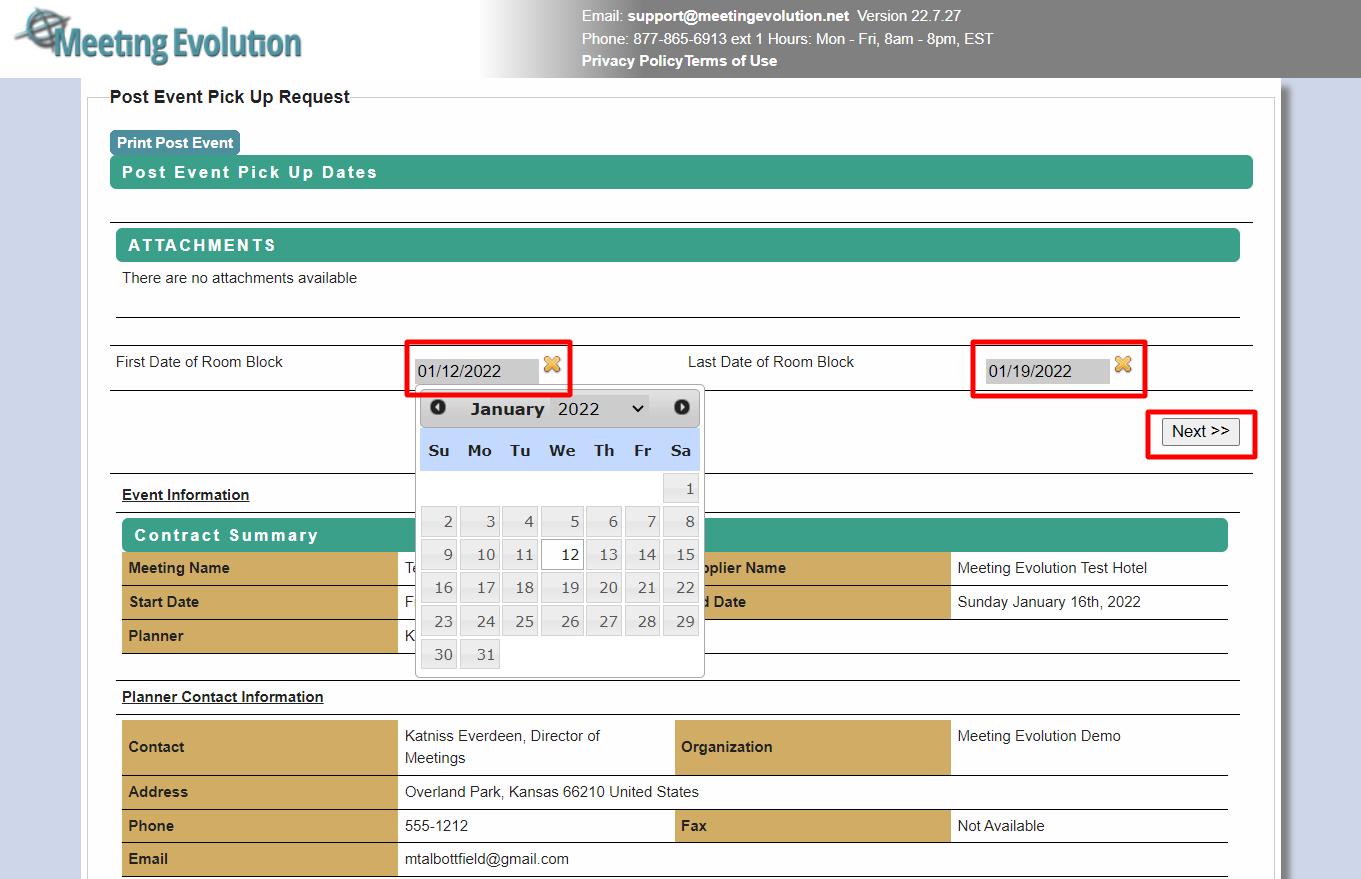
Step 1 - The first page will prompt you to fill out the First Date of Room Block and Last Date of Room Block for the meeting dates.
NOTE: If the hotel provided any pre/post room dates that were picked up, you will want to adjust the dates on the front or back end of the date frame so you can be sure to include these rooms within the final numbers.
Once the dates have been updated, click on the NEXT button.
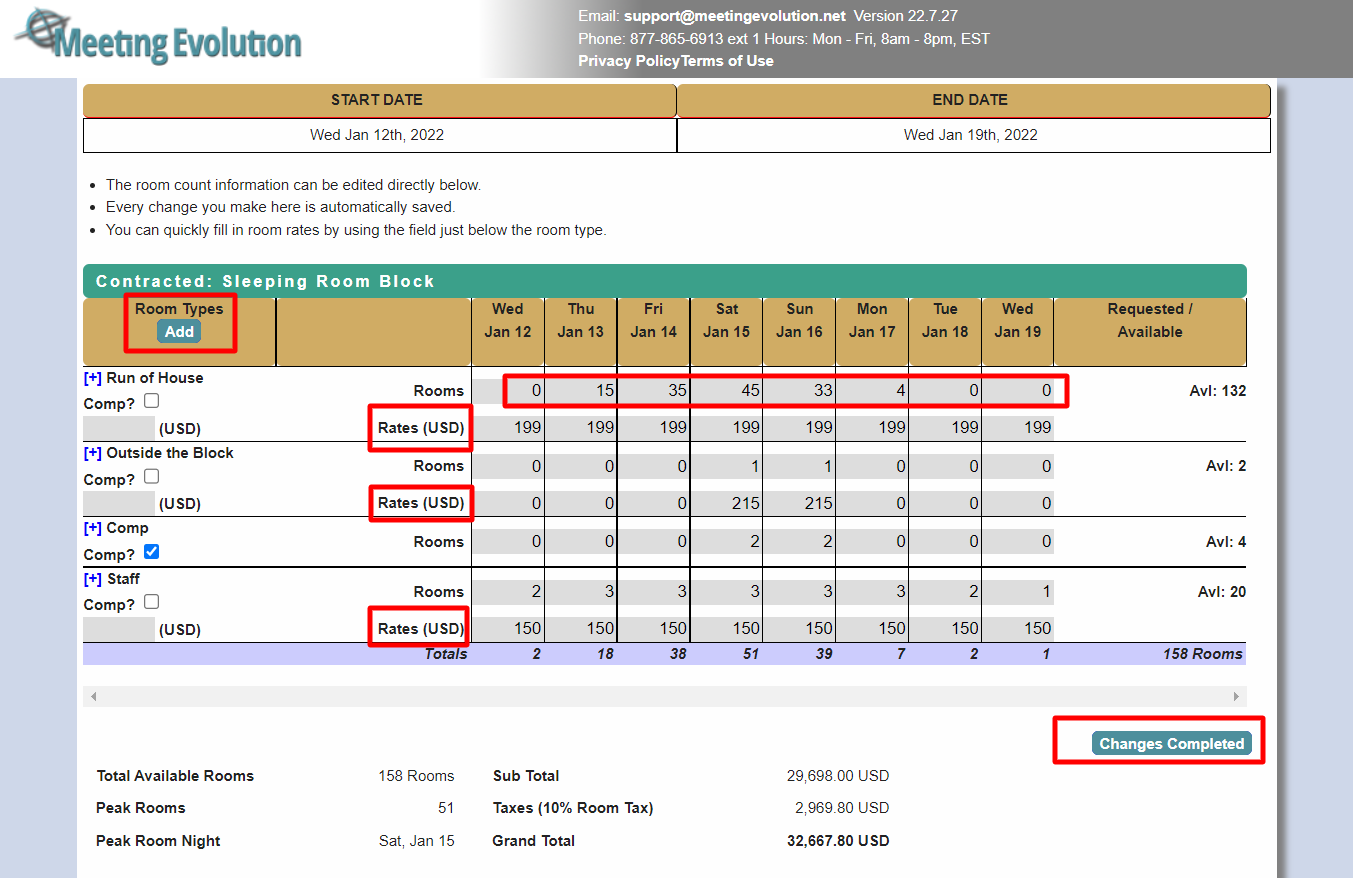
Step 2 - The next page will show the Contracted Sleeping Room Block. This is where you will input/update the numbers to reflect the final pick up information. You can adjust the room rate information and input the pick up numbers by day and room type.
NOTE: You can also add Room Types to the report if need. (Ex: Outside the Block, Comp, etc.)
Once completed making the adjustments to the room block, click on the CHANGES COMPLETED button.
Step 3 - Enter the Meeting Spend amounts from the final invoice:
- Meeting Space
- Audio Visual
- Food and Beverage
- Food and Beverage Outlets
- Internet Spend
- Internet Usage
- Miscellaneous Spend
Provide your contact information and the Commission Payment contact. Select Next when complete.
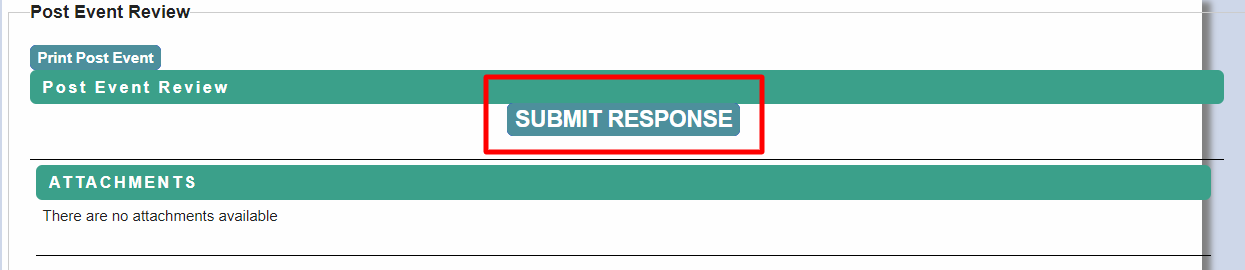
Step 4 - Once you have completed filling out the information, click on the SUBMIT RESPONSE button.
Comments
0 comments
Article is closed for comments.