
No, a log-in is not needed for a property to respond to an RFP in Meeting Evolution. The hotel contact is either sent an email directly by the planner or an email is forwarded by a GSO or Representative to a property for a response. Within the body of this email, is a link for responding to the RFP entitled Response Link:
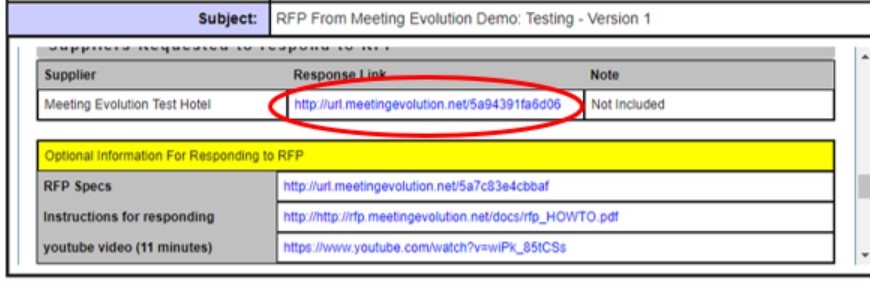
You can either click on the link within the email, or you may need to copy/paste the link into your internet browser if you are not able to open it from the email. It is from this link that you can respond to an RFP (Request for Proposal). Note: Each Property has a link that is unique to their RFP response.
Refer to How To Respond to an RFP for additional information.
Comments
0 comments
Article is closed for comments.