
If you have either responded to an RFP from our system or you have been added to a property, then you have log-in credentials for accessing Meeting Evolution.
You log in to our system with the following link: https://supplier.meetingevolution.net

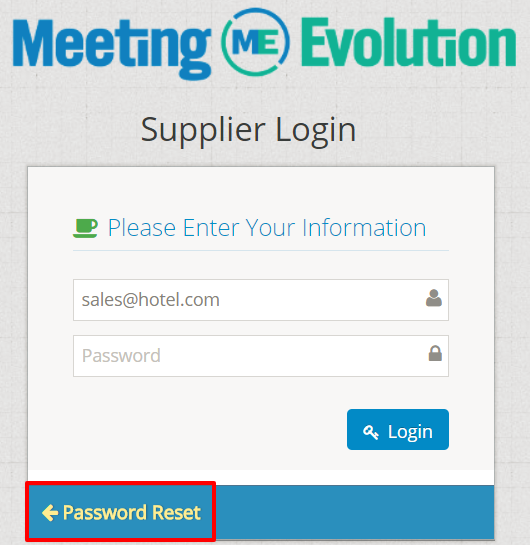
There is a Password Reset option below log-in if you forgot your password, just click on the hyperlink bordered in red.
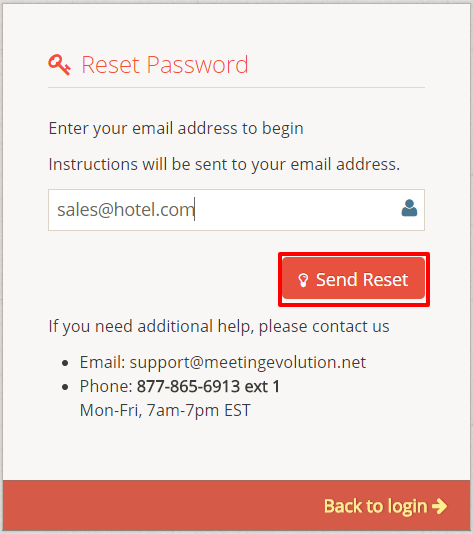
You will then enter your email address in this next screen and select the SEND RESET button:
You will then receive an email with the following:
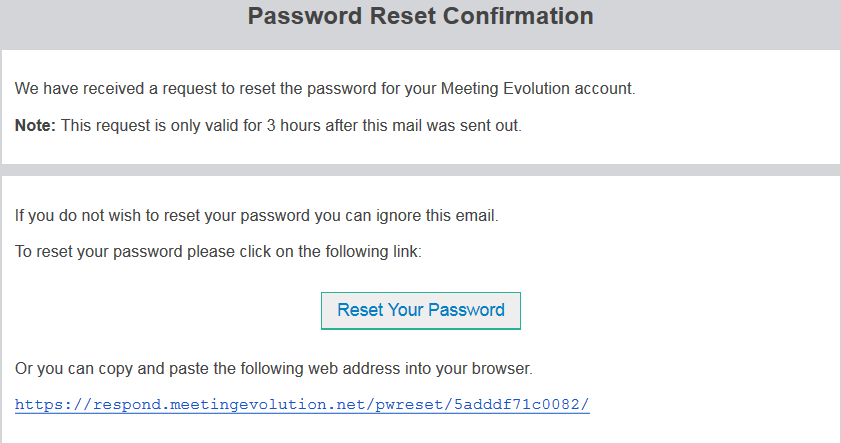
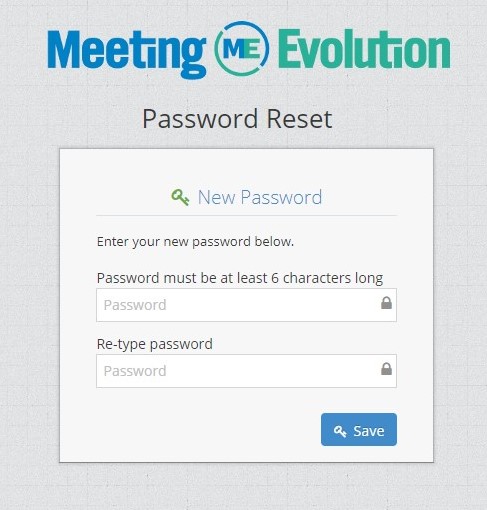
Clicking on the provided link, or copying and pasting it into your internet browser will take you to the page to reset your password. Password must be at least 6 Characters in length.
*If you have any issues with your log-in, you can email support@meetingevolution.net and we will be happy to assist with accessing Meeting Evolution.
Comments
0 comments
Article is closed for comments.