
RFP Checklist - Meeting Agenda Instructions.
From the home page, select RFP, then select Meeting Agenda from the Checklist.
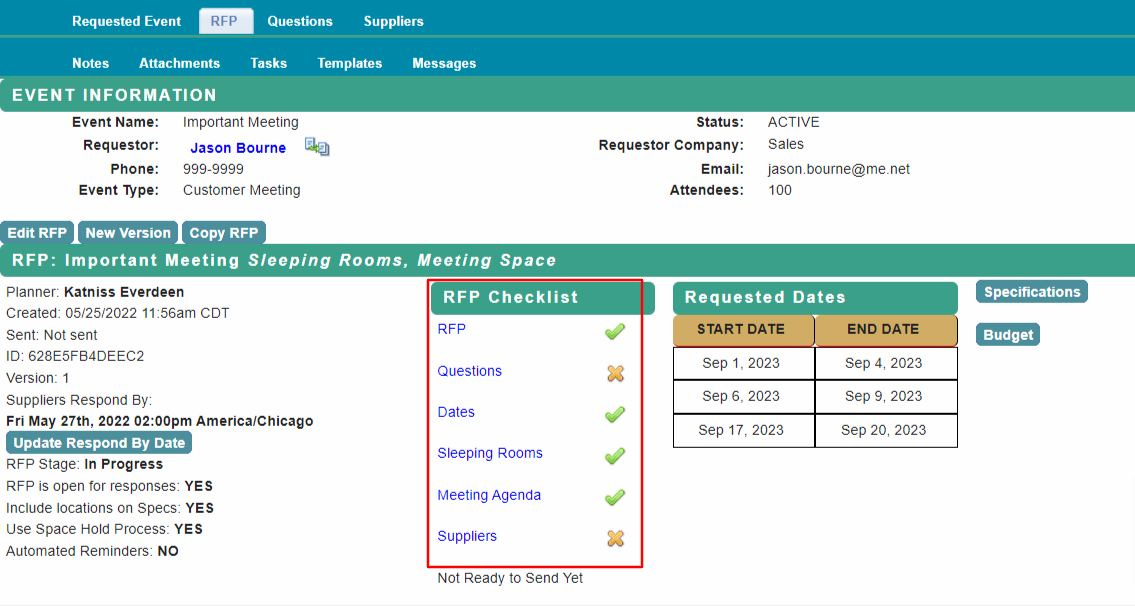
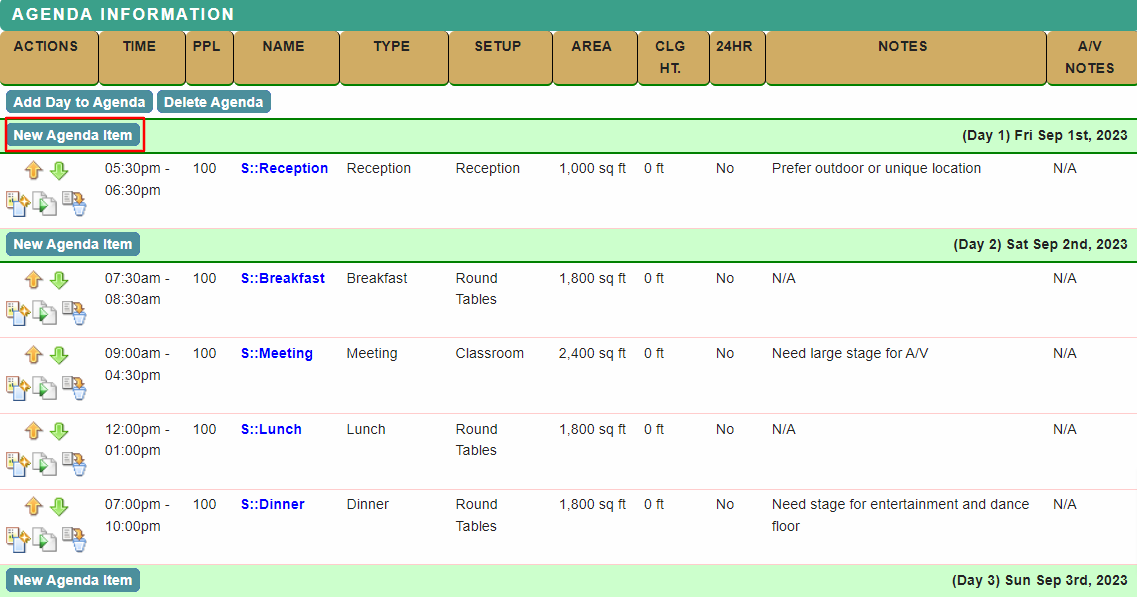
The meeting agenda from the request will be shown.
Select New Agenda Item to add a function. Click on the Function Name to edit an agenda item.
Add new functions or update existing information in the Agenda Item editor.
Submit to save changes and return to the Meeting Agenda.
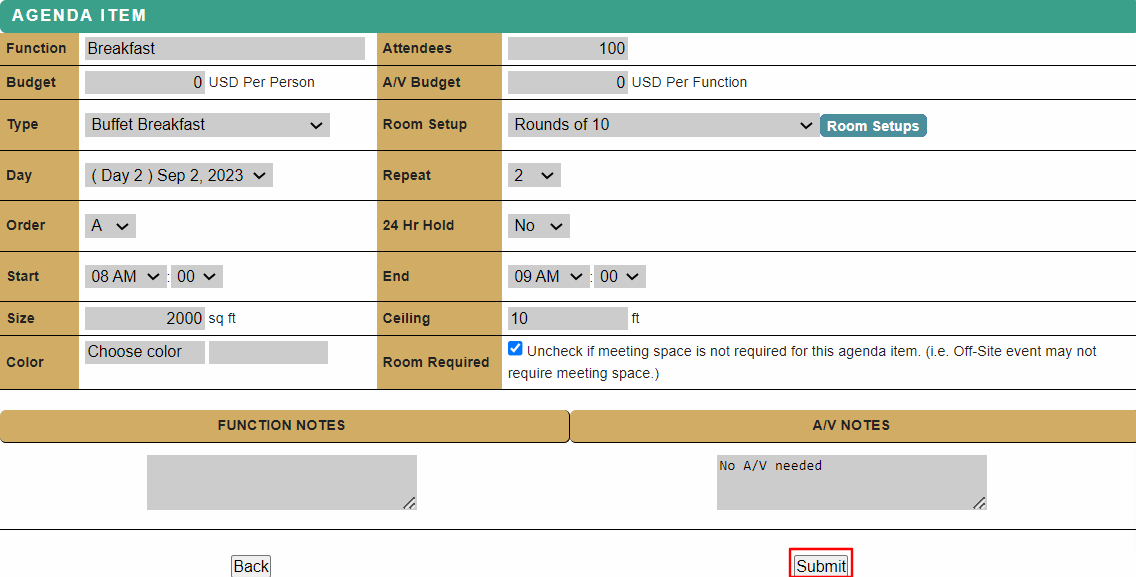
The estimated room size will be calculated based on the number of attendees and the selected room set up using standard industry formulas.
For functions that repeat over multiple days of the event, select the number of days in the Repeat drop down list to create multiple agenda items.
Return to RFP Checklist when complete.
Proceed to Supplier Search for next steps.
Comments
0 comments
Article is closed for comments.