
Now that you have created the confirmation email in the CONFIRMATION Tab, below is the fifth step for setting up your form to completion.
SET UP TAB -> CANCELLATION TAB
Create the cancellation email that is generated if someone cancels their form submission. This is usually a sentence or two you would just type into the Text Area. However, the ability does exist to pull in data from the SELECT FIELD drop down if you so desire. As you can see, there is no Create Cancellation Text button as you do not usually provide any inputted data for these cancellation emails.
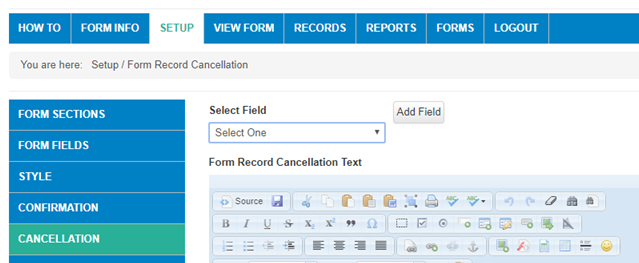
Be sure to SAVE the text you enter and go on to the next step - Create Default Report
Comments
0 comments
Article is closed for comments.