
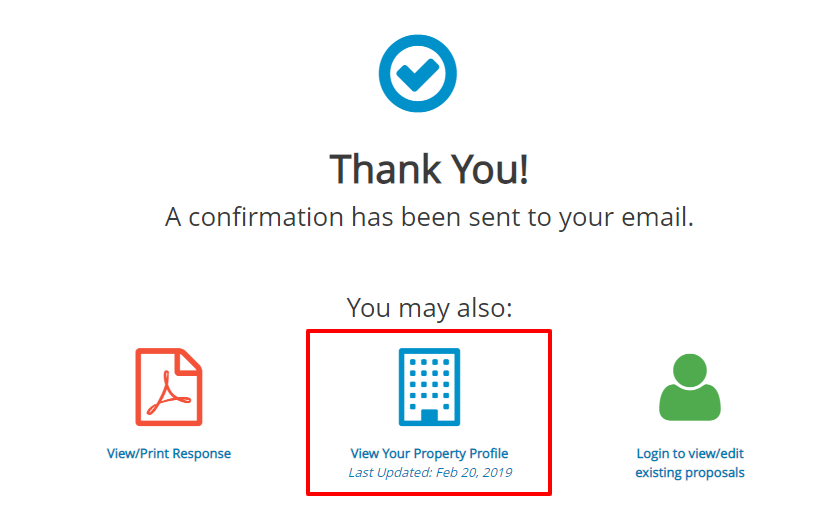
After submitting your RFP Response, you can view your property profile in Meeting Evolution.
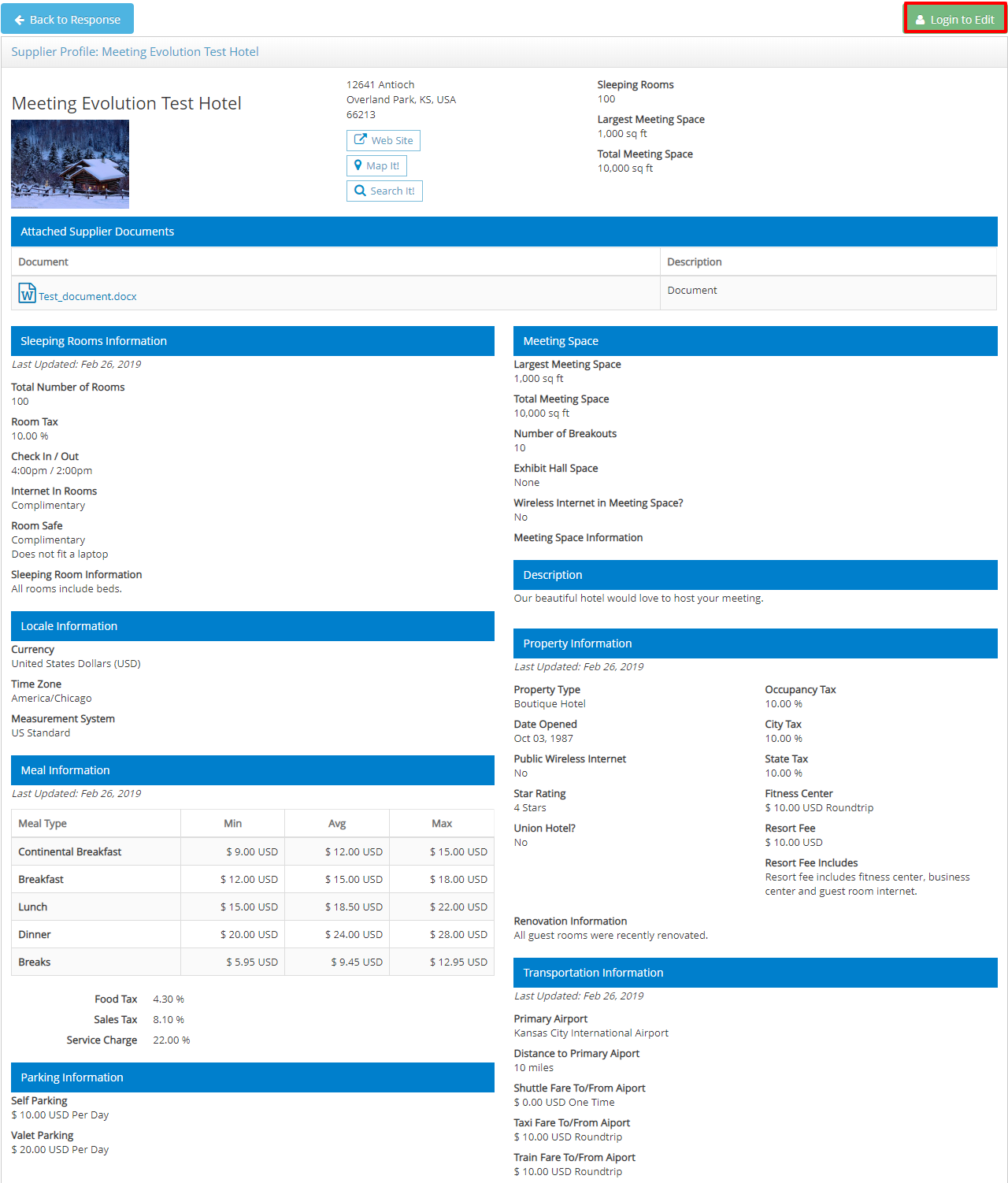
The information in the profile is used by planners in their site searches and site reports. It's important for you to review and confirm your property information is up to date. The profile includes sleeping room and meeting space details, average food and beverage pricing and travel information. You can also upload documents such as a sales brochure, floorplans and menus for all planners to view.
Select the View Your Property Profile icon to begin.
Select the Login to Edit button if you need to update the profile information. You will be directed to the Meeting Evolution supplier site login page - you can reset your password on the login page if needed.
Refer to Update Your Property Profile for additional instructions.
Comments
0 comments
Article is closed for comments.